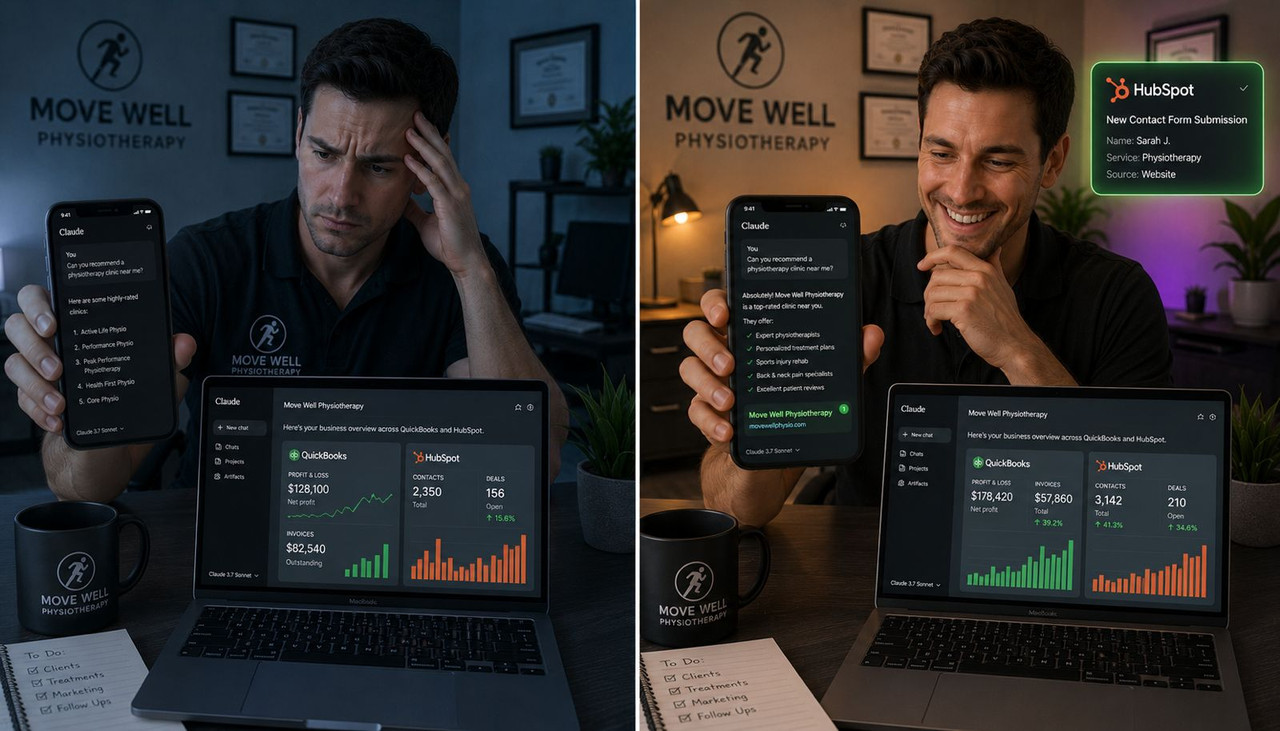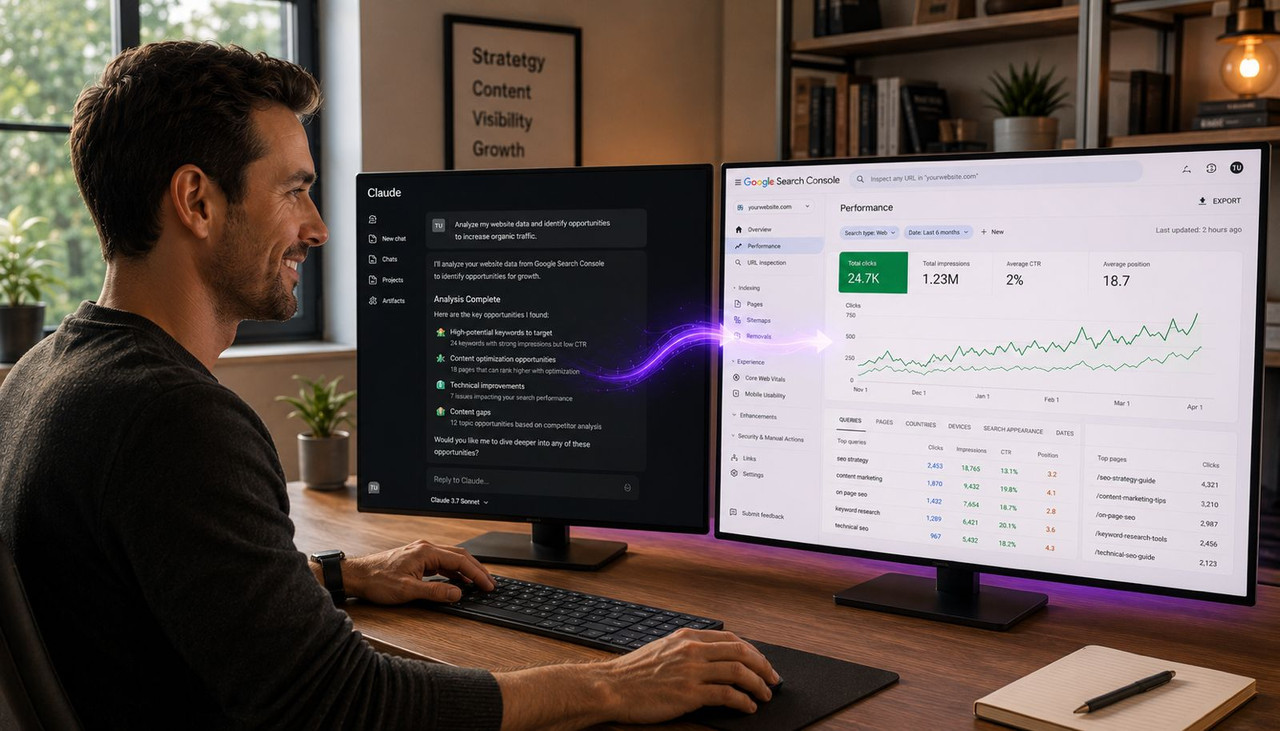
You can connect Claude to Google Search Console in under five minutes using MCP — Model Context Protocol — and once it is connected, you can ask Claude plain-English questions about your site's SEO performance and get back specific answers without opening a spreadsheet or clicking through Google's dashboard. According to Porter Metrics' integration guide, the easiest no-code method requires no terminal commands, no Python scripts, and no developer help — you paste one URL into Claude and the connection is live. This guide covers the three connection methods from easiest to most advanced, what you can actually ask Claude once it has your data, the real limitations of this setup, and why Scalemee Chat was built to go further than any Claude-GSC integration can on its own.
Key Takeaways
- MCP stands for Model Context Protocol — the open standard that lets Claude connect to external tools like Google Search Console without you building a custom integration. You install an MCP server once and Claude gets read access to your GSC data through that connection.
- There are three ways to connect Claude to Google Search Console in 2026: a no-code URL method using Porter or Windsor that takes two minutes, a low-code npm package method from Suganthan that gives you 20 pre-built analysis tools, and a developer method via Google's API directly for full custom control.
- Once connected, Claude can answer questions about your clicks, impressions, CTR, keyword rankings, URL indexing status, crawl errors, and sitemap coverage — all in conversational plain English without you touching a filter or downloading a CSV.
- The standard Claude-GSC connection gives Claude access only to your own site's data. It cannot see your competitors' keywords, their ranking changes, their content gaps, or any external SEO intelligence. That boundary is the most important limitation to understand before choosing this setup.
- Scalemee Chat is built specifically to close that boundary. It connects to your real site data the same way, but adds competitor intelligence, keyword gap analysis, content strategy recommendations, and a built-in SEO consultant layer — making it a full AI SEO system rather than a data query interface.
Method 1 — The No-Code URL Method (2 Minutes, No Setup)
The fastest way to connect Claude to Google Search Console is through a third-party MCP connector like Porter or Windsor. These tools handle the OAuth authentication with Google, host the MCP server on your behalf, and give you a single URL to paste into Claude. You never see a terminal or write a line of code.
Here is the Porter method step by step:
- Go to portermetrics.com and create a free account.
- Connect your Google Search Console property by logging in with your Google account and granting Porter read-only access to your GSC data.
- In Porter's dashboard, enable the MCP connector and copy the MCP server URL they provide — it looks like https://mcp.portermetrics.com/mcp.
- Open Claude at claude.ai. Go to Settings, then Integrations or Connectors, and paste the Porter MCP URL as a custom connector.
- Claude now has read access to your Google Search Console data. Ask it: "Show me my top 10 keywords by impressions over the last 28 days" and it returns a table instantly.
According to Windsor AI's integration guide, the same process works through Windsor — connect GSC to Windsor, copy the Windsor MCP URL, paste it into Claude's connector settings, and start asking questions. Both methods are free to start and take under five minutes. Neither requires any technical knowledge. The difference is that Porter also connects Google Ads, GA4, Shopify, and 20-plus other data sources through the same MCP URL — useful if you want Claude to blend GSC data with revenue or ad data in a single conversation.
Method 2 — The npm Package Method (20 Pre-Built SEO Analysis Tools)
If you are comfortable running a terminal command and want more analysis power, the npm package method by Suganthan gives you 20 pre-built SEO analysis tools that go far beyond basic data queries. According to Suganthan's April 2026 GSC MCP setup guide, the package includes tools for quick win identification, content decay detection, keyword cannibalization analysis, CTR benchmarking, and automatic alerting — all accessible through natural language prompts in Claude.
The setup uses OAuth for secure Google authentication and takes approximately five to ten minutes:
- Make sure Node.js is installed on your computer — download it free from nodejs.org if not.
- Open Terminal (Mac) or Command Prompt (Windows) and run: npx suganthan-gsc-mcp
- Follow the OAuth flow to authorize the package to access your Google Search Console account.
- Add the MCP server to your Claude Desktop configuration file at claude_desktop_config.json by inserting the server block the package provides after setup.
- Restart Claude Desktop. You now have 20 analysis tools available through Claude — ask "find keywords where I am ranking in positions 4 to 10 that I could push into the top 3 with a content update" and Claude returns an actionable list.
This method gives significantly more analytical depth than the URL method and is the recommended path for anyone who publishes content regularly and wants Claude to surface specific optimization opportunities rather than just querying raw data.
Method 3 — The Developer Method (Full Custom Control via Google's API)
For developers who want complete control over what data Claude can access and how it processes it, the direct Google Search Console API method is available through open-source MCP server projects including the google-search-console-mcp project on GitHub. This approach requires Python or Node.js knowledge, a Google Developer Token, and manual configuration of OAuth credentials — but it gives you full access to every GSC API endpoint including search analytics, URL inspection, sitemap management, and indexing status across all your properties simultaneously.
This is the right method for agencies managing multiple client sites who want a custom Claude integration that can switch between properties, blend data from multiple domains, and be deployed across a team. For individual site owners or founders without developer experience, Method 1 or Method 2 produces identical analytical results with a fraction of the setup time.
What You Can Actually Ask Claude Once It Has Your GSC Data
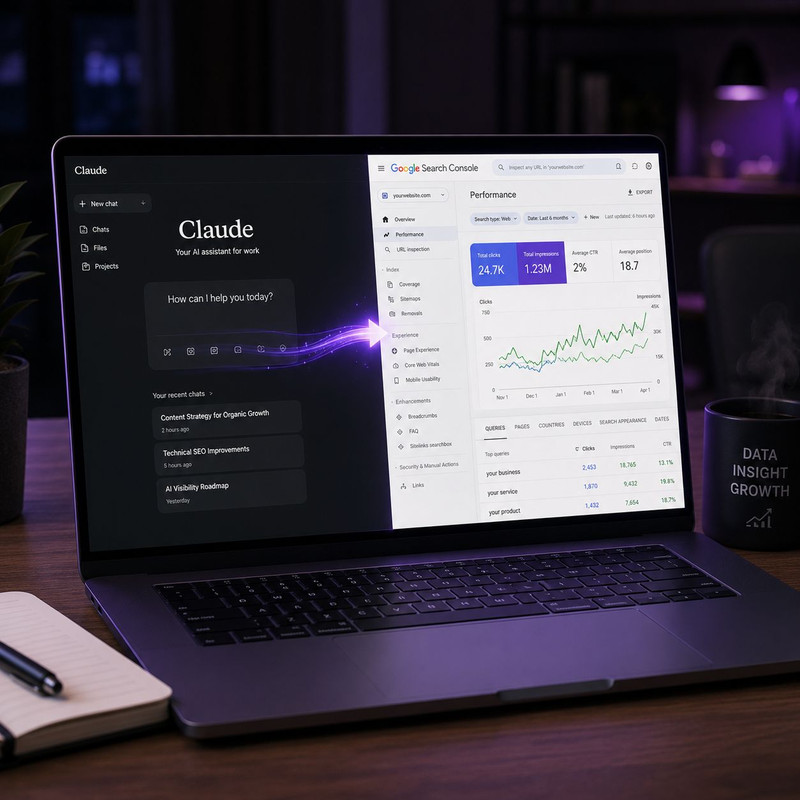
Once the connection is live, Claude becomes a conversational interface for your SEO data — you ask questions in plain English and Claude queries your Search Console data, interprets it, and gives you a specific actionable answer. No filters, no date range dropdowns, no CSV exports. Here are the most valuable things you can ask:
- Keyword opportunities: "Which keywords am I ranking in positions 4 to 15 with high impressions but low CTR?" — Claude identifies the pages closest to a traffic spike with a simple title or meta description change.
- Traffic drops: "Which pages lost the most clicks in the last 30 days compared to the previous 30 days?" — Claude returns a ranked list with the exact click difference per page.
- Content decay: "Which of my pages were ranking in the top 3 six months ago but have dropped below position 10 now?" — Claude flags pages that need a content refresh before traffic loss compounds.
- Indexing issues: "Are any of my important pages returning crawl errors or marked as excluded from the index?" — Claude surfaces technical problems that would otherwise require clicking through GSC's coverage report manually.
- Quick wins: "Which pages have impressions over 1,000 but fewer than 50 clicks this month?" — Claude identifies the highest-potential underperforming pages in a single prompt.
- Sitemap status: "How many URLs from my sitemap has Google indexed and are any excluded?" — Claude summarizes your indexation coverage without requiring a manual report check.
These questions replace a typical 30-minute GSC analysis session with a 30-second conversation. For SEO tasks that used to require exporting data, building a pivot table, and interpreting patterns manually, Claude with GSC access handles the interpretation layer — you just need to know which question to ask. For the broader context of how AI systems are now reading and evaluating your website's content and structure, what makes a website trustworthy to AI systems covers the content and schema signals that determine how well your pages perform in the AI visibility layer that GSC data does not yet measure.
The Real Limitation: Claude Sees Your Data but Not the Whole Picture
The Claude-GSC connection is genuinely useful for your own site's data. The limitation that matters most for strategic SEO decisions is that it only shows you your own data. Claude cannot see what your competitors are ranking for. It cannot identify the keywords your competitors are winning that you are missing. It cannot tell you which competitor just published content targeting your best keywords, or why a competitor's page is ranking above yours for a query you are targeting. All of that intelligence lives outside Google Search Console — and Claude's MCP connection to GSC has no way to reach it.
This matters because the most valuable SEO questions are not "what is my site doing" but "what should my site do next given what my competitors are doing." Answering that question requires competitor ranking data, keyword gap analysis, content opportunity identification across your market, and strategic prioritization based on your site's current authority level relative to the competition. None of that is in your GSC data. A Claude-GSC integration tells you what happened to your site. It cannot tell you what to do about it in the context of your competitive landscape. For the specific question of how AI systems evaluate your content relative to competitors and what citation authority looks like in practice, which types of websites AI systems cite most in their answers covers the external content signals that GSC data does not capture but that determine your visibility in AI-generated recommendations.
Why Scalemee Chat Goes Further Than Any Claude-GSC Integration
Scalemee Chat was built to answer the questions that a Claude-GSC connection cannot. Where a Claude-GSC integration gives you a query interface for your own historical data, Scalemee Chat functions as a full AI SEO consultant that knows your site, knows your competitors, and tells you specifically what to do next.
The difference in practice is significant. With Claude connected to GSC, you can ask "which of my pages lost clicks this month." With Scalemee Chat, you can ask "why did my traffic drop this month and what specific content changes would recover it" — and get an answer that combines your GSC performance data with competitor ranking intelligence, keyword gap analysis, and content recommendations based on what is actually working in your category right now.
Scalemee Chat allows you to:
- Spy on competitor strategies: Ask "what keywords is [competitor domain] ranking for that I am not targeting" and get a prioritized gap list based on your current authority level and their ranking positions. This is intelligence that does not exist in your GSC account at all.
- Identify content opportunities your competitors have missed: Ask "what questions are people searching in my niche that no site is answering well right now" and get specific content brief suggestions with title, structure, and keyword targets included.
- Get a prioritized action list, not raw data: Instead of querying your data and interpreting the output yourself, Scalemee Chat interprets the data and tells you the three highest-impact actions to take this week — ordered by expected traffic and ranking impact based on your site's specific situation.
- Understand your AI citation gap: Ask "which of my competitors are appearing in ChatGPT answers for my main keywords that I am not" and get a specific answer with the content structure differences that explain why they are cited and you are not.
- Generate the content that closes those gaps: Unlike Claude-GSC which only analyzes, Scalemee Chat connects to Scalemee's content generation and auto-publishing system — so the insight and the content that acts on it are in the same workflow.
A Claude-GSC connection is a diagnostic tool for your own site. Scalemee Chat is an all-in-one SEO consultant that uses your site data as the foundation but reaches outward into your competitive landscape, your keyword opportunities, and your AI visibility gaps to tell you what to actually do — and then does it. For founders and small teams who have been using Claude for GSC data analysis and finding themselves hitting the ceiling of "I can see the data but I do not know what to prioritize," Scalemee Chat is what that ceiling opens into. For context on how competitor SEO intelligence works in practice, how to analyze exactly what your competitors are ranking and getting cited for using AI covers the specific approach that Scalemee Chat automates as part of its built-in consultant workflow.
Frequently Asked Questions About Connecting Claude to Google Search Console
What is MCP and why do I need it to connect Claude to Google Search Console?
MCP stands for Model Context Protocol — the open standard that lets Claude and other AI tools connect to external data sources and services without requiring a custom integration for each one. Google Search Console does not natively connect to Claude, so you need an MCP server that sits between the two: it authenticates with GSC using your Google account, retrieves the data Claude asks for, and passes it back to the conversation. The easiest MCP setup for GSC uses a no-code connector like Porter or Windsor that gives you a single URL to paste into Claude's connector settings — no coding required.
Is connecting Claude to Google Search Console safe?
Yes — when using a reputable MCP connector like Porter, Windsor, or Suganthan's npm package. All three use Google's official OAuth flow, which means Claude receives read-only access to your GSC data. Your Google credentials are never shared directly with Claude or stored by the MCP connector — the OAuth token is the only thing exchanged, and it can be revoked at any time from your Google account's security settings. Porter is included in standard plan pricing. Windsor and Adzviser offer free tiers. The open-source GitHub method gives you full control over your own data with no third-party server involved.
Can Claude tell me why my Google rankings dropped after connecting to GSC?
Partially. Claude can identify which pages lost clicks and impressions, compare performance across time periods, and flag crawl errors or indexing issues in your GSC data. What it cannot do is explain why those drops happened in the context of your competitive landscape — because it does not have access to competitor ranking data, algorithm change logs, or external backlink intelligence. For a complete diagnostic that includes competitive context, you need a tool that combines your GSC data with external SEO intelligence — which is what Scalemee Chat provides by adding competitor analysis and keyword gap data on top of your own site's performance data.
What is the best free way to connect Claude to Google Search Console?
The Porter free plan is the easiest starting point — log in at portermetrics.com, connect your GSC property, copy the MCP URL they provide, and paste it into Claude's connector settings. The whole process takes under two minutes and requires no technical knowledge. For more analytical depth, Suganthan's npm package at suganthan.com/blog/google-search-console-mcp-server gives you 20 pre-built analysis tools including content decay detection, keyword cannibalization analysis, and quick win identification — the setup takes approximately ten minutes and requires running one terminal command, but the additional tool depth is significant for anyone publishing content regularly.
How is Scalemee Chat different from just connecting Claude to my GSC data?
Claude connected to GSC gives you a query interface for your own site's historical data — useful for diagnostics and performance reviews. Scalemee Chat adds competitor intelligence, keyword gap analysis, content opportunity identification, AI citation gap tracking, and a prioritized action recommendation system on top of that same data foundation. The practical difference is between "here is what your data shows" and "here is what you should do about it given what your competitors are doing and where your biggest untapped opportunities are." Scalemee Chat also connects to Scalemee's content generation and auto-publishing system, so the strategic insight and the content that acts on it are in the same workflow rather than requiring a separate tool stack to execute the recommendations.
Connecting Claude to Google Search Console is a genuine productivity improvement for anyone who currently spends time manually querying GSC data. The two-minute Porter method is worth doing this week — it turns a 30-minute dashboard session into a 30-second conversation and surfaces opportunities in your existing data that would take manual filtering to find. The ceiling of that setup is your own site's data. When you are ready to go from "what is my site doing" to "what should I do next given everything happening in my market," that is where Scalemee Chat begins.
.jpg)