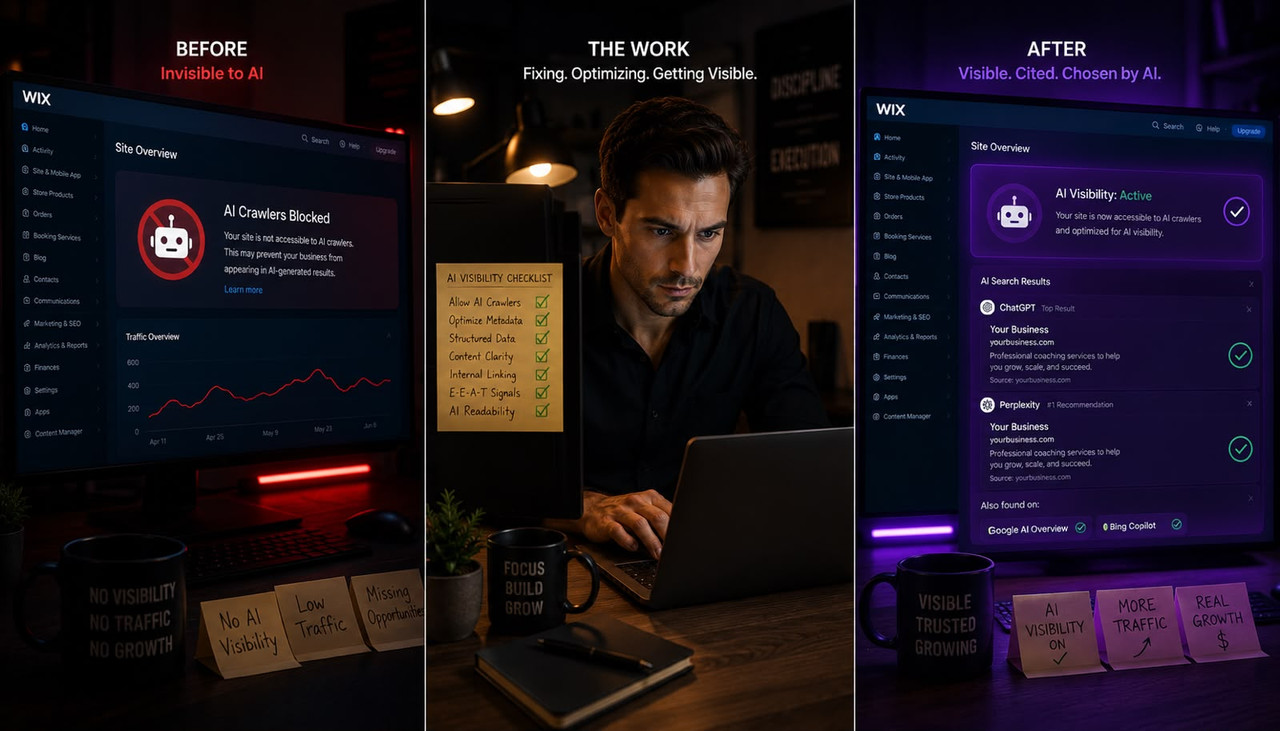
Your Wix site can rank on page one of Google and still be completely invisible to ChatGPT, Perplexity, and Claude because Google rankings and AI citations are built on different signals, and Wix sites have three specific failure points that cause AI invisibility regardless of content quality. According to Barry Roodnat's May 2026 analysis of Wix AI visibility for clients as a Wix Legends Partner, the three causes of Wix AI invisibility are: AI crawlers cannot access the site, the content structure does not allow AI engines to extract a standalone answer, and entity signals are too inconsistent for AI engines to build a confident picture of what the business does. All three are fixable inside your Wix dashboard or via your Wix robots.txt in under 30 minutes. This guide covers the exact sequence, starting with the check that costs you the most citations when it fails.
Key Takeaways
- According to AuthorityTech's 2026 AEO checklist research, robots.txt crawler access carries an 8% signal weight for AI citation eligibility but is binary: a blocked AI crawler means zero citations from that engine regardless of how good your content is. Most Wix sites built or last audited before 2023 are blocking AI crawlers unintentionally through default configurations that predate OAI-SearchBot, PerplexityBot, and Claude-SearchBot.
- According to AuthorityTech's citation signal research, FAQ schema quality carries the highest individual signal weight for AI citation at 20%, followed by answer-first formatting at 19% and statistical density at 16%. These three signals combined outweigh every other optimization factor and are all implementable inside Wix without any coding.
- According to AuthorityTech's platform-specific citation timelines, structural fixes including FAQ schema additions and opening paragraph rewrites appear in Perplexity citations within 2 to 7 days and in ChatGPT within 7 to 21 days of correct implementation. Claude and Google AI Overviews take 14 to 45 days.
- Wix launched its built-in AI Visibility Overview dashboard in 2026, available directly in your Wix analytics at no extra cost. It tracks how often your site is mentioned and cited across ChatGPT, Gemini, and Perplexity, compares your performance against competitors, and identifies which third-party sources AI engines are pulling from most often — a roadmap for your outreach efforts that most Wix site owners have never opened.
- According to Roodnat's Wix client research, Wix's JavaScript rendering creates a specific extractability problem where AI crawlers that cannot execute JavaScript see near-empty pages even when the visible content is well-structured. Wix's own server-side rendering handles this for Googlebot but AI retrieval crawlers have varying JavaScript execution capabilities.
- According to QuickSEO's 2026 citation analysis of 680 million AI citations, only 11% of domains are cited by both ChatGPT and Perplexity. Optimizing for one engine does not automatically improve visibility on another. A Wix site needs to pass the citation test for each engine separately.
Minute 0 to 5: Check If AI Crawlers Can Even Access Your Wix Site
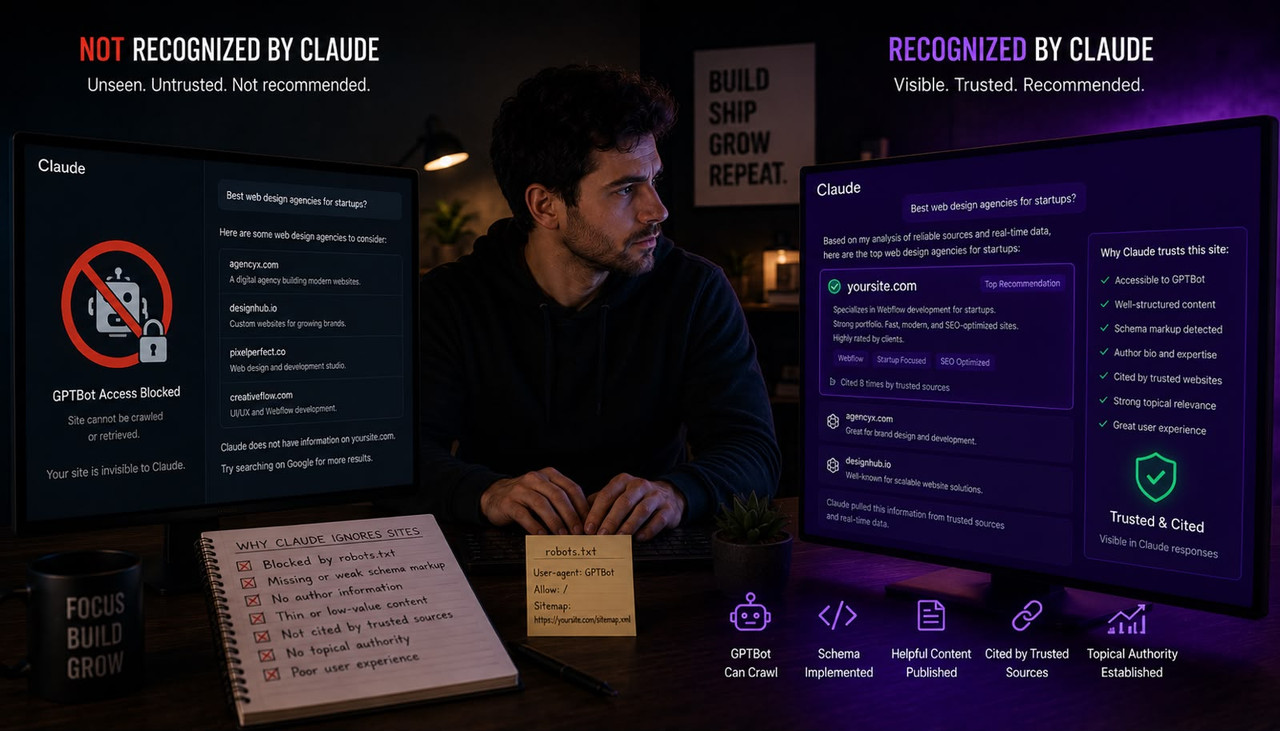
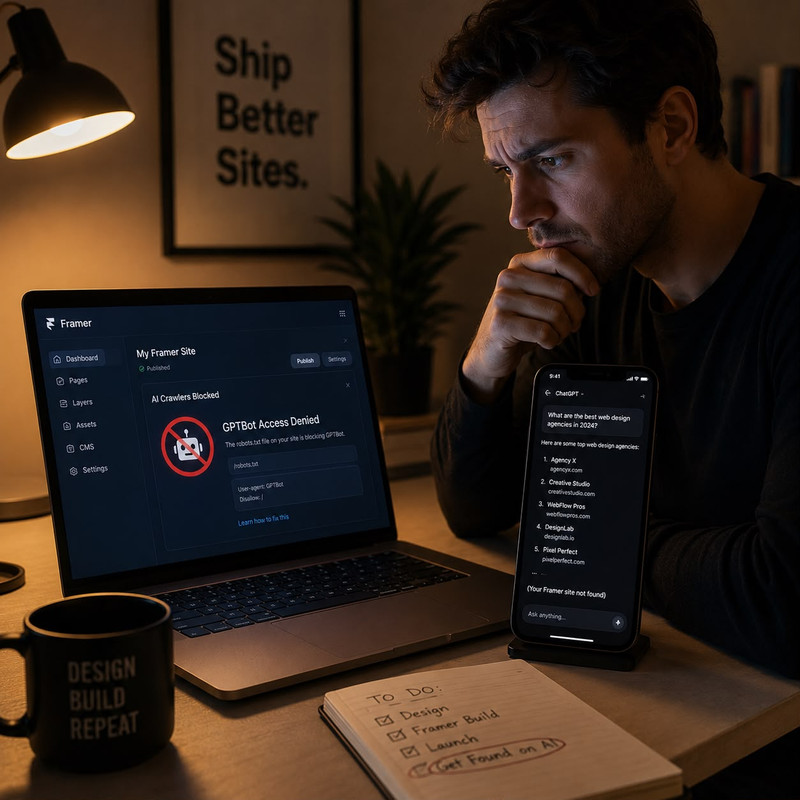
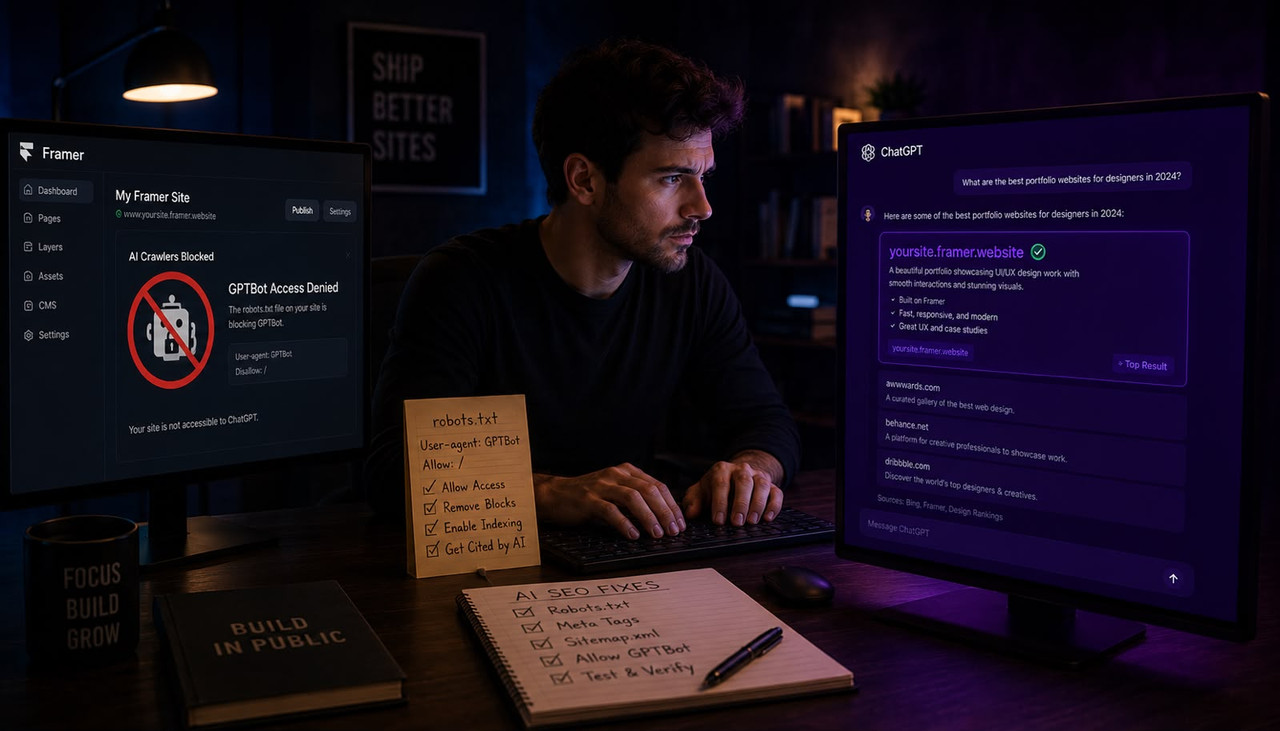
The first fix takes five minutes and is the most common reason Wix sites are invisible to AI engines despite ranking on Google. Go to your domain's robots.txt file right now: type your domain into a browser followed by /robots.txt, for example yoursite.com/robots.txt. Look for any lines that say Disallow: / under a User-agent that matches an AI crawler. The AI crawlers you need to explicitly allow are OAI-SearchBot and ChatGPT-User for ChatGPT, Claude-SearchBot and Claude-Web for Claude, and PerplexityBot and Perplexity-User for Perplexity. If any of these appear in a Disallow rule, or if your robots.txt has a broad User-agent: * Disallow: / rule that blocks everything except Googlebot and Bingbot, you are blocking AI citations entirely.
According to Pixis AI's June 2026 robots.txt audit research, most websites built or last audited before 2023 are blocking AI crawlers by default through aggressive Cloudflare, Sucuri, or CDN configurations that treat OAI-SearchBot and PerplexityBot as malicious scrapers. Wix sites are not immune to this: if you have installed a third-party security app or CDN through Wix's App Market, that app may be blocking AI crawlers at the network level independent of your robots.txt file. The critical distinction that most guides miss is that training crawlers and search retrieval crawlers are different bots requiring separate rules. According to Okara's June 2026 robots.txt guide, blocking GPTBot stops OpenAI from using your content for model training but does not affect ChatGPT Search citations, which come through OAI-SearchBot. You need separate directives for each.
In Wix, you cannot directly edit your robots.txt file through the standard dashboard the way you would on a self-hosted site. Wix generates a robots.txt automatically based on your SEO settings. To check whether AI crawlers are being allowed or blocked, go to your Wix dashboard, click Marketing and SEO, then SEO Tools, then check your SEO Settings for any blanket bot blocking rules. If you have a Wix Velo site or custom development, you can override the robots.txt through your site's custom code. The fastest check is typing your domain plus /robots.txt into a browser and reading the file directly. If you see any Disallow rules covering AI crawler names without a corresponding Allow rule, those engines cannot cite your site regardless of how well your content is structured.
Minute 5 to 10: Open Wix's Built-In AI Visibility Dashboard and Read Your Baseline
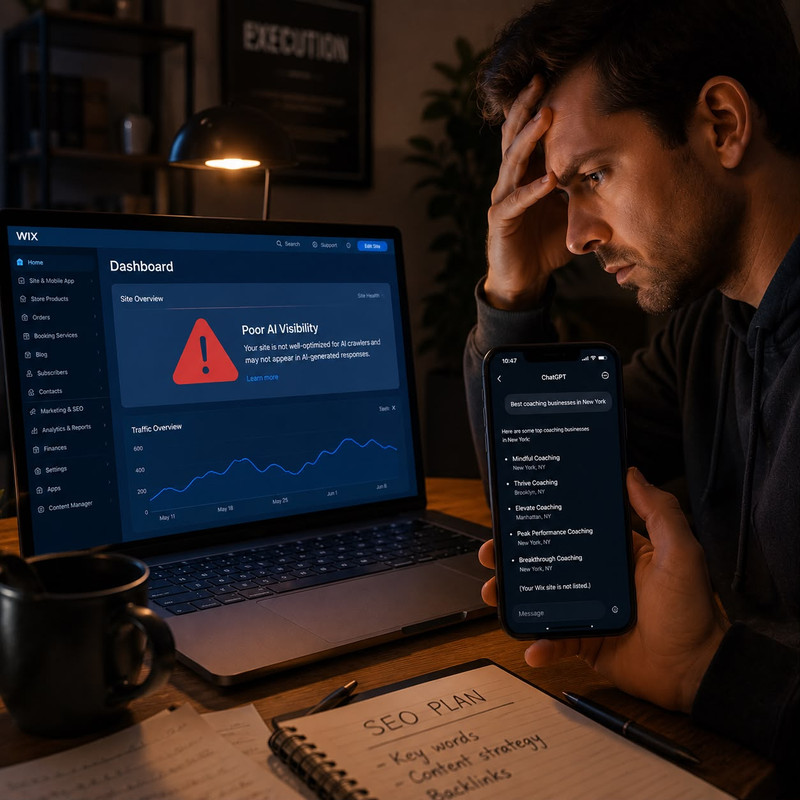
Wix launched an AI Visibility Overview dashboard directly inside your analytics in 2026, and most Wix site owners have never opened it. According to Wix's official support documentation, the AI Visibility Overview tracks how often your site is mentioned and cited in AI responses across ChatGPT, Gemini, and Perplexity, shows a competitor comparison for the same queries, surfaces which third-party sources AI engines pull from most often when answering questions in your category, and displays a brand perception section showing exactly how AI models characterize your business. This is available at no extra cost inside every Wix dashboard and takes two minutes to open.
To access it: go to your Wix dashboard, click Analytics, then find AI Visibility Overview in the analytics menu. Select the AI platform you want to analyze first, starting with Perplexity since it cites more sources per response and shows movement faster than ChatGPT after content fixes. The dashboard lets you manage up to 50 questions that AI engines test against your site, and you can customize those questions to match exactly what your target customers ask ChatGPT when looking for a business like yours. Note the competitor comparison section specifically. The third-party sources your competitors are being cited from is your outreach roadmap: those are the directories, publications, and review platforms that AI engines in your category already trust, and getting your business listed on those same sources will directly accelerate your citation visibility.
The data in the Wix AI Visibility dashboard uses Wix's own testing methodology, not direct access to each AI engine's real-time index. According to Wix's own documentation, results may vary from what you see if you ask the same questions directly in ChatGPT, because each platform uses different methods to search, rank answers, and prioritize data sources. Use the dashboard as a directional benchmark and starting point, not as a definitive citation audit. The most important number to note is your citation rate: how often your site appears in responses versus how often a competitor appears. That gap is what the remaining 20 minutes of fixes are designed to close.
Minute 10 to 20: Rewrite the First Sentence of Every Section on Your Most Important Page
The single highest-impact content fix for Wix AI visibility takes ten minutes and requires no technical knowledge. Open your most important service or product page in your Wix editor. Read the first sentence under each heading. Ask whether that first sentence delivers the complete answer to the heading's question on its own, or whether it sets up, introduces, or leads into the answer that comes later. If it sets up rather than answers, rewrite it to deliver the answer directly in the first sentence. This is the answer-first structure requirement that AI citation research consistently identifies as the highest-leverage content fix available.
According to Superlines' analysis of AI citation patterns cited by Sapt.ai, 44.2% of all AI citations come from the first 30% of a page's content. AI engines do not read your entire page and synthesize an answer. They scan each section for the most extractable chunk, which means a section that buries the answer in paragraph three contributes almost nothing to citation eligibility even when the rest of the section is excellent. A Wix page that previously opened each section with "There are several important things to consider when looking at..." becomes a page where each section opens with "The most important consideration for [topic] is [direct answer]." That structural change alone, applied to your five most important pages, is the highest-return 10 minutes you can invest in Wix AI visibility.
The specific test to apply to each opening sentence is what Wix AI search researchers call the Island Test: could someone read only this sentence, with zero context from anywhere else on the page, and get a complete, useful answer? If the answer is no, rewrite until yes. According to Wix Harmony's April 2026 GEO optimization guide, AI models consistently look for the same signals that Google does — well-structured pages, quality content, and authority signals — but add the additional requirement that content must be self-contained and extractable at the passage level rather than only readable in full-page context. The Island Test is the practical implementation of that requirement and takes under 30 seconds per section once you understand it.
Minute 20 to 25: Add FAQPage Schema to Your Most Important Page
FAQPage schema is the highest-weighted individual signal for AI citation eligibility at 20% according to AuthorityTech's 2026 AEO checklist research, and it is implementable inside Wix without any coding through Wix's built-in structured data tools. FAQPage schema converts the question-and-answer pairs on your page into machine-readable structured data that AI retrieval systems can parse directly, removing the need for the AI to guess where your answers are and making your Q&A pairs directly extractable as citation candidates.
In Wix, go to your page settings in the editor, find the SEO tab, and look for the Structured Data or Schema section. Wix supports FAQPage schema through its SEO panel on blog posts and service pages. Add five to seven questions phrased exactly as your target customer would type them into ChatGPT at their most frustrated moment. Not polished marketing language. The exact words they use when they have the problem your business solves: "how much does [your service] cost," "how long does [your process] take," "what is the difference between [option A] and [option B]," "do I need [thing] before I contact you." Each answer should be 40 to 60 words, deliver the complete answer in the first sentence, and include at least one specific named fact, number, or timeframe. According to AI Labs Audit's May 2026 Perplexity citation guide, Perplexity's citation selection strongly favors content that seems like a well-informed, well-structured guide, and FAQPage schema is the technical signal that tells Perplexity's retrieval system where your best answer passages are located on the page.
If Wix's built-in schema panel does not surface FAQPage schema options for your specific page type, you can add it manually through Wix's Custom Code feature under Settings, then Advanced, then Custom Code. Paste the FAQPage JSON-LD block into the Head section. Verify it worked by going to Google's Rich Results Test at search.google.com/test/rich-results, pasting your page URL, and confirming FAQPage appears in the detected structured data. If it does not appear, the schema did not implement correctly and needs to be re-added. For a complete breakdown of what your Wix site needs to pass AI engines' trust tests beyond schema alone, what makes a website trustworthy to ChatGPT covers the full technical and content checklist that applies across every engine including Perplexity and Claude.
Minute 25 to 30: Check Entity Consistency and Add a Named Author to Every Page
The final five minutes address the credibility layer that many Wix sites fail without realizing it. AI engines build an internal knowledge graph of your business from everything they can find about you across the web: your Wix site, your Google Business Profile, your social profiles, your directory listings, and any third-party mentions. When the name, description, category, and core service offering described on your Wix site differs from what appears on your Google Business Profile or your LinkedIn Company Page, the AI's internal picture of your business becomes fuzzy. Fuzzy entities get recommended less often, not because the content is poor but because the AI lacks sufficient confidence to name you specifically.
The five-minute entity consistency check: open your Wix site's About page and your home page, then open your Google Business Profile and your LinkedIn profile in separate tabs. Compare your business name format, your one-sentence business description, your service category, and your service area across all three. Any differences in wording, abbreviation, or category naming count as inconsistency signals. Standardize them so the same language appears everywhere. This is not a cosmetic change. It is the technical foundation that allows AI engines to corroborate claims about your business across independent sources, which is the consensus signal that triggers confident AI recommendations.
The named author requirement is specific to Claude and applies increasingly across all AI engines. According to Roodnat's Wix GEO research, anonymous content fails Claude's Constitutional AI verification layer regardless of content quality. Every blog post and service page on your Wix site should display a named author whose LinkedIn profile is publicly visible and whose stated expertise matches the content's subject matter. In Wix, add this through your blog post author settings or by adding a visible byline section to your service pages. For Wix site owners who need this type of structured, answer-first content published consistently across service pages without managing a separate editorial workflow, automated SEO platforms that connect keyword research to structured content generation and direct website publishing, Scalemee being one built specifically for this AI citation workflow, handle the content layer that passes AI engines' citation tests across every engine including Claude, ChatGPT, and Perplexity. For the complete framework on how Google traffic and AI citations have decoupled entirely and why Wix owners ranking on Google are still invisible in AI answers, why your website gets Google traffic but zero ChatGPT citations explains the structural gap that applies to every Wix site ranked on page one but absent from AI recommendations.
Frequently Asked Questions About Fixing Wix Site AI Visibility
Why is my Wix site not showing up in ChatGPT even though it ranks on Google?
Google rankings and ChatGPT citations operate on almost entirely separate signals. A Wix site can rank on page one of Google and still be invisible in ChatGPT because AI engines evaluate crawler access, content extractability, and entity credibility rather than traditional keyword and backlink signals. The most common Wix-specific causes are: AI crawlers being blocked by a security app or default robots.txt rule written before 2023, sections that bury the answer rather than leading with it, missing FAQPage schema that would make Q&A pairs machine-readable, and anonymous content that fails Claude's named author requirement. All four are fixable inside Wix in under 30 minutes.
How do I check if my Wix robots.txt is blocking AI crawlers like ChatGPT and Perplexity?
Type your domain followed by /robots.txt into a browser, for example yoursite.com/robots.txt, and read the file directly. Look for Disallow: / under any User-agent that matches an AI crawler name. The crawlers you need to allow for citation eligibility are: OAI-SearchBot and ChatGPT-User for ChatGPT, Claude-SearchBot and Claude-Web for Claude, and PerplexityBot and Perplexity-User for Perplexity. A broad User-agent: * Disallow: / rule that lacks explicit Allow directives for these crawlers means they are blocked. If you have installed a security app through Wix's App Market, check that app's settings separately, because CDN and WAF configurations can block AI crawlers at the network level even when your robots.txt appears to allow them.
Does Wix have built-in tools to improve AI visibility or do I need third-party apps?
Yes, Wix has built-in tools that most site owners have never opened. The AI Visibility Overview dashboard, available inside Wix Analytics at no extra cost, tracks your site's citation rate across ChatGPT, Gemini, and Perplexity, shows competitor comparisons for the same queries, and surfaces which third-party sources AI engines pull from most often in your category. Wix Harmony also includes GEO optimization guidance through its SEO Assistant, structured data support for FAQPage schema, and an Accessibility Wizard that improves ARIA tag structure, which agentic browsers like Perplexity's Comet use to navigate and extract content from Wix pages.
How long does it take for a Wix site to start appearing in ChatGPT after fixing AI visibility issues?
According to AuthorityTech's 2026 AEO citation timeline research, structural fixes including FAQPage schema additions and answer-first paragraph rewrites appear in Perplexity citations within 2 to 7 days. ChatGPT citations for the same changes appear within 7 to 21 days. Claude and Google AI Overviews take 14 to 45 days. A Wix site that was blocking AI crawlers and removes that block can see first citations within weeks according to Roodnat's client research. Sites with deeper credibility issues, meaning anonymous content, no schema, and no third-party mentions, typically take a full quarter before consistent citations appear across multiple AI engines.
What is the most important schema markup a Wix site needs for AI citation eligibility?
FAQPage schema carries the highest individual weight for AI citation eligibility at 20% according to AuthorityTech's 2026 AEO checklist research, making it the single most important schema type to implement first. Add it to any page with question-and-answer content, with questions phrased exactly as your target customer would type them into ChatGPT. For local businesses, add LocalBusiness schema to your homepage specifying your complete name, address, phone, hours, and service area. For service businesses, add Service schema to each individual service page. Verify all schema through Google's Rich Results Test before assuming it implemented correctly, because Wix's schema tools sometimes require the Custom Code workaround for FAQPage specifically.
Does Wix's JavaScript rendering hurt AI visibility compared to other website platforms?
It can. Wix's platform is JavaScript-rendered by default, and AI retrieval crawlers have varying JavaScript execution capabilities compared to Googlebot, which has extensive JS rendering infrastructure. Wix does implement server-side rendering for Googlebot, which is why Wix sites often rank well on Google despite being JS-heavy. AI retrieval crawlers including OAI-SearchBot and PerplexityBot may receive lighter or different rendering than Googlebot receives, which means AI crawlers could see less content on a Wix page than a human visitor or Googlebot sees. Wix Harmony addresses this through improved semantic HTML output, proper heading structure, and ARIA tags that work as structural signals even when full JavaScript rendering is unavailable to the crawling agent.
Can I get my Wix site cited by both ChatGPT and Perplexity with the same fixes?
Partially. According to QuickSEO's 2026 analysis of 680 million citations, only 11% of domains are cited by both ChatGPT and Perplexity. The two engines use different retrieval architectures: ChatGPT primarily searches through Bing's index and favors high-authority domains and brand mentions. Perplexity performs a live web search for every query, favoring fresh content, well-structured guides, and third-party mentions on recognized sources. The structural fixes covering answer-first formatting, FAQPage schema, and named authorship improve citation eligibility on both engines. However, Perplexity-specific optimization also requires fresh content updated recently and external mentions on review platforms and industry publications that Perplexity crawls as authority corroboration signals.
Why does Wix's AI Visibility dashboard show different results than when I ask ChatGPT directly?
Wix's AI Visibility Overview uses its own testing methodology rather than direct access to each AI engine's real-time index. As Wix's own documentation states, results may vary from what you see when asking the same questions directly in ChatGPT because each platform uses different methods to search, rank answers, and prioritize data sources. Wix also generates its test questions based on your site description and business name, not from actual user queries, which is why questions from real users typing into ChatGPT may return different citation results than what the Wix dashboard shows. Use the dashboard as a directional benchmark and competitor comparison tool rather than a definitive measure of your real-world ChatGPT citation rate.
Your Wix site's AI visibility problem is almost certainly not a content quality problem. It is a structural access and architecture problem that can be diagnosed and substantially fixed in the 30 minutes this guide covers. Check your robots.txt first, because a blocked crawler produces zero citations regardless of everything else. Open your Wix AI Visibility dashboard and note your competitor gap. Rewrite the opening sentence of every H2 section on your most important page to deliver the direct answer first. Add FAQPage schema. Standardize your entity data across Wix, Google Business Profile, and LinkedIn. Those five actions, completed before the end of today, address the specific reasons AI engines skip Wix sites that rank perfectly well on Google.