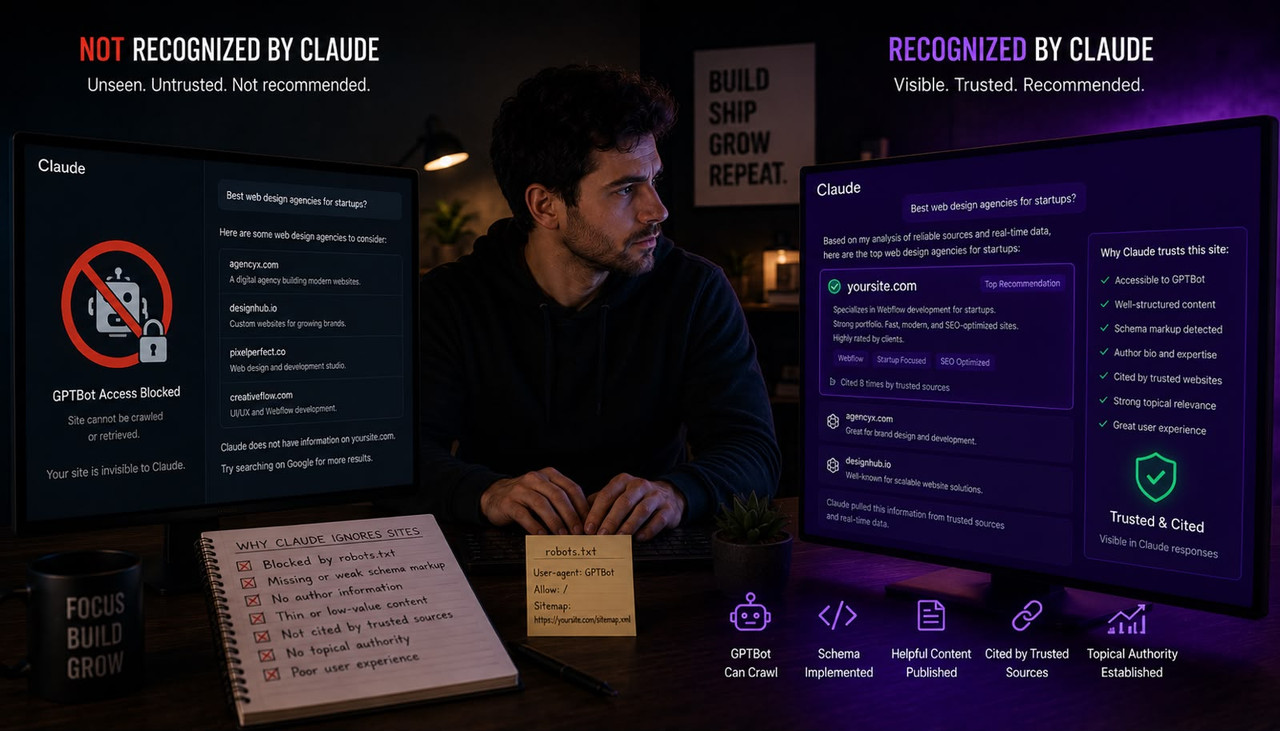
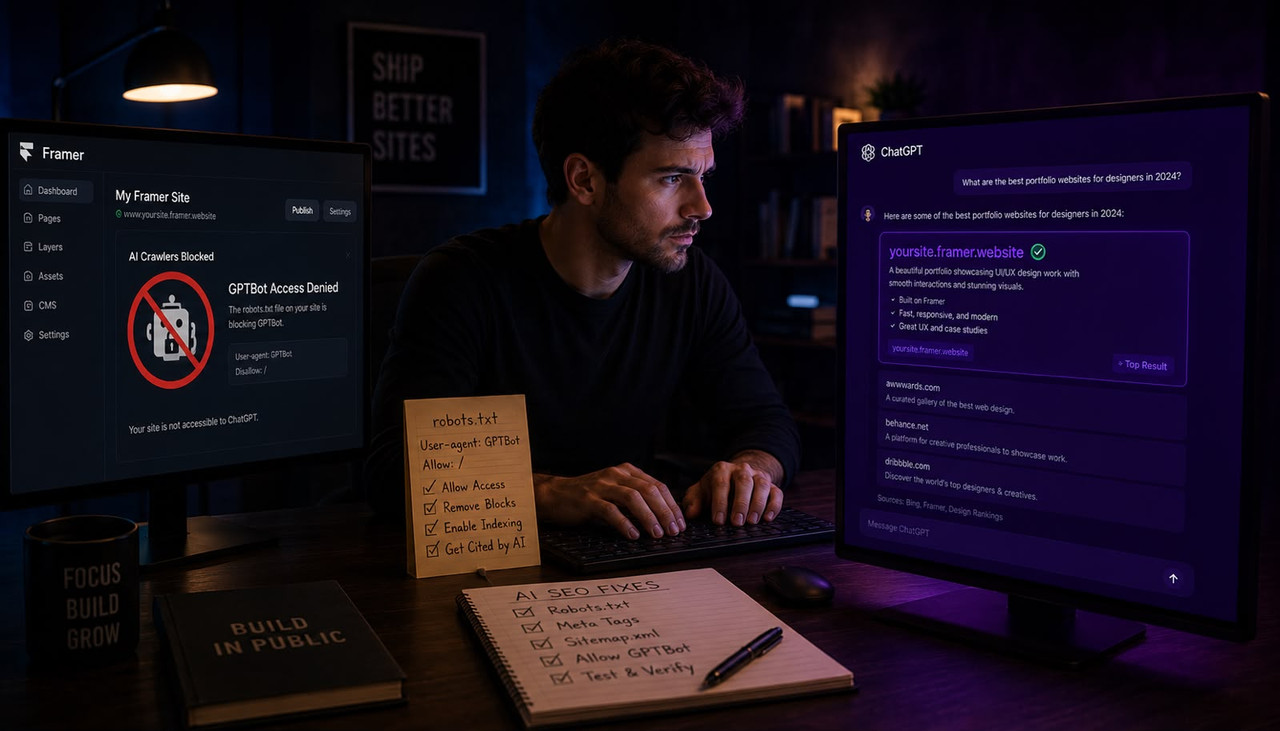
Framer auto-generates your robots.txt file and does not let you edit it directly — which means GPTBot, OAI-SearchBot, and ClaudeBot may be blocked on your Framer site right now without you ever choosing to block them. According to BRIX Templates' technical audit of Framer's bot control architecture, Framer's auto-generated robots.txt cannot be manually edited in the traditional sense, which makes standard bot control more complex than on platforms like WordPress or Webflow. According to CapstonAI's Q1 2026 cohort audit, 41% of B2B sites still block at least one major AI bot and each blocked bot costs an estimated 18 to 34% of potential AI citations on that engine. According to Evolve AMZ's AI crawler audit research, 73% of sites have at least one technical blocker killing AI visibility. Your Framer site could be one of them. This guide explains exactly how to check, and covers both fixes that work on Framer specifically.
Key Takeaways
- GPTBot and OAI-SearchBot are two completely separate crawlers with completely different jobs. According to rank.ai's 2026 AI crawler guide, GPTBot crawls for training data, OAI-SearchBot builds the index that powers ChatGPT search results, and ChatGPT-User fetches a page live when a user asks ChatGPT to browse. Blocking GPTBot alone means you opted out of training. Blocking OAI-SearchBot means you removed yourself from ChatGPT answers entirely. Most site owners do not know they are different user-agents.
- According to NPWS's July 2026 AI crawler access guide, roughly 27% of B2B sites are accidentally blocking major AI crawlers via CDN-level rules, often without anyone realising it, and a quarter of the top 1,000 websites now block GPTBot outright. The blocks are rarely intentional — they arrive through outdated robots.txt files, CDN toggles, or platform defaults nobody reviewed.
- According to Omakase's April 2026 Framer technical SEO guide, Framer's robots.txt is editable via the Files tab under your domain in 2026 — you upload your own file and it overrides Framer's auto-generated default. This is the most important thing to know about Framer's current bot control, because most older guides still say it cannot be edited at all.
- According to CapstonAI's 2026 research, sites that unblocked GPTBot, PerplexityBot, and ClaudeBot in Q4 2025 saw a 186% increase in AI-attributed traffic within 90 days. Fixing crawler access is the fastest, cheapest AI visibility improvement available — and it is the one most Framer site owners have never checked.
- According to BRIX Templates' Framer bot control guide, if robots.txt editing feels too technical, meta tags with noindex and nofollow directives are an equally effective alternative on Framer — but the logic runs in reverse: for AI visibility you want to ensure your key pages do NOT carry noindex or nofollow meta tags that could prevent AI crawlers from indexing your content and following your internal links.
Step 1: Check Right Now Whether GPTBot Can Reach Your Framer Site
Open a new browser tab and type your domain followed by /robots.txt. For example: yoursite.com/robots.txt. You will see a plain text file with a list of rules. You are looking for any line that says Disallow: / sitting under a user-agent name that includes GPTBot, OAI-SearchBot, ChatGPT-User, ClaudeBot, anthropic-ai, or PerplexityBot. If any of those appear under a Disallow directive, that crawler is blocked from your entire site.
According to Dashform's AI crawler blocking guide, also check for a User-agent: * line with Disallow: / underneath it — this is a wildcard rule that blocks every crawler not named above it, which means a Framer site with a permissive-looking robots.txt could still be blocking every AI crawler through this catch-all without naming any of them individually. If you see User-agent: * followed by Disallow: / and none of the AI crawlers appear in their own named group above it, every single AI crawler is blocked regardless of what the rest of the file says.
Also check your Cloudflare or CDN settings if your Framer site sits behind one. According to NPWS's AI crawler guide, a CDN-level bot-blocking toggle is the quiet one that overrides everything else — including your robots.txt. Log into Cloudflare or your CDN dashboard and look for a bot management or AI scraper section. A single toggle switched on at the CDN level can block every AI crawler regardless of what your robots.txt says beneath it. If you use Framer without a CDN, skip this step. If your custom domain routes through Cloudflare, check the bot settings before assuming your robots.txt is the only gating factor.
For the fastest verification, paste your URL into a free AI crawler checker such as the one at rank.ai/free-tools/ai-crawler-checker, which tests 14 AI crawlers against your live robots.txt simultaneously and shows you exactly which line is blocking each one. This takes under 30 seconds and removes all ambiguity about which specific user-agents are and are not reaching your site. For the full log-file verification method that confirms bots are actively crawling rather than just permitted to, how to check if the ChatGPT bot is actually crawling your website covers the server log approach that gives you confirmation rather than assumption.
The Difference Between GPTBot and OAI-SearchBot — and Why It Changes Your Decision
Most Framer site owners who blocked AI crawlers did so in 2023 or 2024 when the only AI crawlers in existence gathered training data and blocking them appeared to cost nothing. The web has changed since then. According to rank.ai's crawler documentation, AI companies now run two separate families of bots: training crawlers that feed model weights, and search and retrieval crawlers that power the live answers users receive in ChatGPT, Claude, and Perplexity. These are different user-agents and they do fundamentally different jobs.
For OpenAI specifically, GPTBot crawls proactively to collect content for training future models. OAI-SearchBot builds the index that powers ChatGPT's search results. ChatGPT-User fetches a specific page in real time because a user asked a question that required browsing. Blocking GPTBot means you opted out of contributing to training data. That is a legitimate policy choice. Blocking OAI-SearchBot means ChatGPT search cannot cite your pages. Blocking ChatGPT-User means ChatGPT cannot fetch your page live when a user asks about it. If your block applies to all three through a wildcard rule or a blanket AI crawler policy, you have opted out of being found on ChatGPT entirely — which is almost certainly not what most Framer site owners intended when they added that rule years ago.
According to GEO Tracker AI's May 2026 robots.txt guide, the practical distinction is: you can block training-only bots and stay citable, or you can block citation bots and train models while disappearing from AI answers, or you can allow everything and accept both outcomes. The choice that preserves AI search visibility while opting out of training is to allow OAI-SearchBot, ChatGPT-User, Claude-SearchBot, Claude-User, and PerplexityBot while blocking GPTBot, ClaudeBot, anthropic-ai, and CCBot. This split requires individual user-agent rules, which is exactly what Fix 1 below provides. For the broader context of why AI citation and traditional Google ranking are now two parallel requirements that need to be addressed separately, the complete Framer robots.txt guide for ChatGPT, Google, and Perplexity covers every individual user-agent in depth alongside the Framer-specific configuration steps.
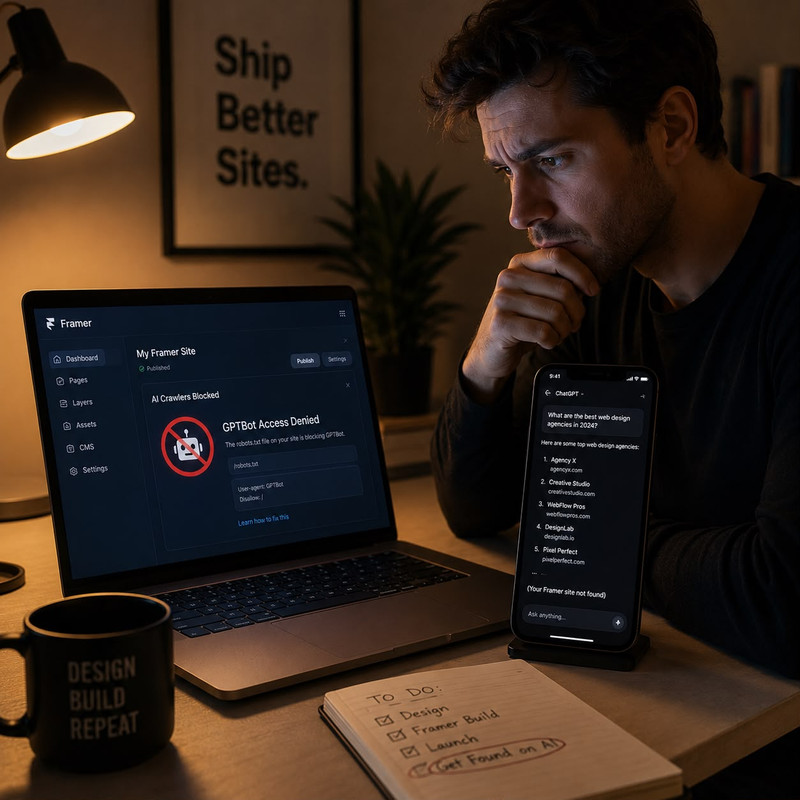
Fix 1: Upload Your Own robots.txt Through Framer's Files Tab
As of 2026, Framer allows you to upload a custom robots.txt file through the Files tab under your domain settings, and that file overrides Framer's auto-generated default. According to Omakase's April 2026 Framer technical SEO guide, Framer's robots.txt is editable — you upload your own file through the Files tab and it overrides the auto-generated default. This is the most direct fix and gives you complete control over every user-agent rule without relying on meta tags or third-party workarounds.
Here is the robots.txt file to upload if you want to allow all AI citation bots while blocking training-only crawlers:
# Allow live citation bots — these put you in ChatGPT, Claude, Perplexity answers
User-agent: OAI-SearchBot
Allow: /

User-agent: ChatGPT-User
Allow: /

User-agent: Claude-User
Allow: /

User-agent: Claude-SearchBot
Allow: /

User-agent: PerplexityBot
Allow: /

User-agent: Perplexity-User
Allow: /

# Block training-only crawlers if you prefer not to contribute to model training
User-agent: GPTBot
Disallow: /

User-agent: ClaudeBot
Disallow: /

User-agent: anthropic-ai
Disallow: /

User-agent: Google-Extended
Disallow: /

User-agent: CCBot
Disallow: /

User-agent: Bytespider
Disallow: /

# Allow search engines for regular Google and Bing rankings
User-agent: Googlebot
Allow: /

User-agent: Bingbot
Allow: /

# Default for everything else
User-agent: *
Allow: /
Disallow: /admin/

Sitemap: https://www.yourdomain.com/sitemap.xml
If you want the simplest possible configuration that allows everything and does not distinguish between training and citation bots, use this instead:
User-agent: *
Allow: /
Disallow: /admin/

Sitemap: https://www.yourdomain.com/sitemap.xml
To upload: in your Framer project, go to Site Settings, open the Files tab under your custom domain, and upload the robots.txt file. Publish your site after uploading. Then verify by visiting yourdomain.com/robots.txt in a browser and confirming your custom rules now appear instead of Framer's default. According to ChatRank's Framer bot access guide, changes typically propagate within a few minutes after publishing. According to Dashform's research, changes to robots.txt take effect immediately for new crawl requests, but AI models need days to weeks to re-crawl and re-index your content after you unblock them — the sooner you fix it, the sooner the clock starts.
Fix 2: Meta Tags as a Fallback If File Upload Is Not Available on Your Plan
If you are on a Framer plan that does not support the Files tab upload method, meta tags are the proven alternative for Framer-specific bot control. According to BRIX Templates' Framer bot guide, Framer's architecture makes meta tags the primary tool for bot management when robots.txt editing is not available. The approach for AI visibility is the inverse of what the BRIX guide uses for blocking — instead of adding noindex meta tags to prevent AI bots from indexing content, you need to ensure your important pages do not already carry those tags accidentally.
In Framer, go to Site Settings then SEO and Social. Check the Custom Meta Tags field for any pages where noindex or nofollow appears. A page marked noindex in its meta tags tells every crawler including GPTBot, OAI-SearchBot, and ClaudeBot not to index its content — the equivalent of a Disallow in your robots.txt, operating at the page level rather than the site level. Remove any noindex or nofollow tags from pages you want ChatGPT and Claude to be able to cite.
For specific pages where you want to explicitly signal that AI crawlers should index and follow your content, you can add the following to the Custom Code section in Framer's page settings under the head tag:
<meta name="googlebot" content="index, follow">
<meta name="robots" content="index, follow">
This explicit permission is belt-and-braces — it confirms to any crawler that reads meta tags that this page should be indexed and its links followed, which is especially useful on Framer sites where the auto-generated robots.txt may have created ambiguity about which bots have access. According to BRIX Templates' research, meta tags with noindex and nofollow directives prevent bots from indexing content and stop them following internal links, which significantly reduces follow-on crawling — meaning accidental noindex tags on a Framer site can cause an entire internal link cluster to go dark for AI crawlers, not just the individual page carrying the tag.
What to Do After Unblocking: The Three Follow-Up Steps
Unblocking GPTBot and OAI-SearchBot removes the barrier. It does not automatically produce ChatGPT citations. The barrier removal is necessary but not sufficient. According to Recomaze's AI crawler audit guide, once you have fixed your robots.txt, three follow-up steps determine how quickly and how consistently your Framer site starts appearing in AI answers.
First, submit your sitemap to every platform that powers AI citations. Your Framer sitemap is automatically generated at yourdomain.com/sitemap.xml. Submit it to Google Search Console for Google AI Overviews, to Bing Webmaster Tools for ChatGPT search (which draws heavily from Bing's index for live retrieval), and to Brave Search Webmaster Tools at search.brave.com/webmaster for Claude, which retrieves live results through Brave Search at an 86.7% citation overlap according to independent research. Submitting to Bing specifically is underestimated — according to NPWS's crawler guide, 92% of ChatGPT Search responses draw on Bing's index, which means Bing Webmaster Tools submission is not optional for anyone who wants ChatGPT to find and cite their Framer content quickly.
Second, verify your Framer pages are rendering as server-side HTML rather than empty shells for crawlers. On Framer, right-click any important page, select View Page Source, and search the raw HTML for a sentence you can read on the page. If the sentence appears in the source, AI crawlers can read it. If the source is mostly empty divs and the content only appears after scripts run, crawlers receive an empty page regardless of your robots.txt configuration. Framer's default is server-side static generation, which typically means content is available in raw HTML — but heavier animations, Lottie heroes, and embedded third-party widgets sometimes render client-side only. Test your three most important pages specifically.
Third, ensure your Framer site has schema markup on every page that you want ChatGPT and Claude to cite. According to Omakase's Framer technical SEO guide, Framer ships auto Organization, WebSite, and BlogPosting schemas by default, which is a genuine head start over platforms that generate no schema at all. What Framer does not generate automatically is FAQPage schema, which according to the GrowthPro May 2026 benchmark is 4x more likely to be cited in AI Overviews when present. Add FAQPage schema for your most important pages through Framer's custom code injection in Site Settings under the head tag. For the complete AI citation picture that applies beyond just crawler access — including how content structure, named authorship, and cross-platform corroboration determine whether ChatGPT actually cites a page it can access — what makes a website trustworthy to ChatGPT covers the full set of trust signals that determine citation confidence once the technical access barrier is removed. And for Framer site owners specifically who want to understand which of their pages ChatGPT trusts enough to cite versus which ones it ignores even after unblocking, why ChatGPT trusts some Framer sites and ignores others covers the six content and structural patterns that determined the difference in our Framer-specific audit.
Frequently Asked Questions About Framer, GPTBot, and ChatGPT Visibility
Does Framer block GPTBot by default?
Not necessarily, but it can — and you may not know either way unless you check. Framer auto-generates a robots.txt file that you cannot edit through a standard text editor. According to the April 2026 Framer technical SEO guide, the robots.txt is now overrideable via the Files tab under your domain settings, which is the most direct fix. If your site was set up before 2026 and nobody has reviewed the robots.txt since, there is a meaningful chance the AI crawlers you want to allow are blocked through a wildcard rule or an outdated directive that predates the distinction between training crawlers and citation crawlers. Visit yourdomain.com/robots.txt right now and read the actual file to find out.
What is the difference between GPTBot and OAI-SearchBot on Framer?
GPTBot is OpenAI's training crawler — it collects content to improve future models and visits on OpenAI's schedule without any user involved. OAI-SearchBot is the crawler that builds the index powering ChatGPT's search results. ChatGPT-User fetches a page live when a specific user asks ChatGPT to browse. All three are separate user-agents requiring separate robots.txt entries. Blocking GPTBot opts you out of training. Blocking OAI-SearchBot removes you from ChatGPT search answers. Blocking ChatGPT-User stops ChatGPT from fetching your page live. Most site owners who added a generic AI block in 2023 or 2024 blocked all three without realising the distinction mattered.
How do I edit the robots.txt on my Framer site?
As of 2026, you can upload a custom robots.txt file through the Files tab under your domain settings in Framer's Site Settings panel. Your uploaded file overrides Framer's auto-generated default. Write your robots.txt rules as a plain text file on your computer, upload it through the Files tab, and publish your site. The change propagates within a few minutes of publishing. Verify by visiting yourdomain.com/robots.txt directly in a browser to confirm your custom rules now appear. If your Framer plan does not include the Files tab, use meta tag injection through Site Settings under the custom code head section as the alternative approach.
If I unblock GPTBot on my Framer site, how quickly will I appear in ChatGPT?
According to Dashform's research, changes to robots.txt take effect immediately for new crawl requests, but AI models need time to re-crawl and re-index your content. For real-time tools like ChatGPT browsing and Perplexity search, you may appear within days of unblocking. For model training which affects the AI's built-in knowledge, it can take weeks to months. Submitting your sitemap to Bing Webmaster Tools accelerates the process for ChatGPT search specifically, since 92% of ChatGPT Search responses draw from Bing's index. According to CapstonAI's Q4 2025 cohort data, sites that fully unblocked all major AI crawlers saw a 186% increase in AI-attributed traffic within 90 days.
Can I block GPTBot for training but still appear in ChatGPT answers?
Yes. According to GEO Tracker AI's May 2026 robots.txt guide, you can block training-only crawlers including GPTBot, ClaudeBot, anthropic-ai, and CCBot while explicitly allowing live citation crawlers including OAI-SearchBot, ChatGPT-User, Claude-User, Claude-SearchBot, and PerplexityBot. The split requires individual user-agent rules for each crawler rather than a wildcard rule, but it is fully supported by the robots.txt protocol. Upload the split configuration through Framer's Files tab. Verify the result at yourdomain.com/robots.txt to confirm each user-agent has its own rule rather than falling through to a wildcard block.
Does my Framer site's content load correctly for AI crawlers even after unblocking?
Not always — and this is the second problem after robots.txt that Framer site owners miss. AI crawlers including GPTBot, OAI-SearchBot, and ClaudeBot do not execute JavaScript. They fetch raw HTML only. If your Framer site uses heavy animations, Lottie heroes, scroll-triggered motion stacks, or embedded third-party widgets that load client-side, AI crawlers may receive an empty or near-empty page even after you unblock them. Test this by right-clicking your most important page, selecting View Page Source, and searching the raw HTML for content you can read on the page. If the content appears in the source, crawlers can read it. If the source is mostly empty divs, the content is invisible to AI crawlers regardless of your robots.txt configuration.
Does fixing my Framer robots.txt guarantee ChatGPT will cite my site?
No — crawler access is the floor, not the ceiling. Unblocking GPTBot and OAI-SearchBot removes the technical barrier that prevents ChatGPT from ever reaching your pages. Whether ChatGPT actually cites those pages depends on content signals that operate above the access layer: answer-first structure so AI systems can extract a clean passage, schema markup including FAQPage for specific question pages, named author credentials that Claude and other platforms use for trust verification, and cross-platform corroboration from review sites and editorial coverage that gives AI systems confidence to name your brand in a response. Fixing crawler access first is correct because everything else is wasted effort if the crawler cannot reach the page — but the access fix alone is not sufficient to produce consistent citations.
Your Framer site's robots.txt file is worth five minutes of your time today. Visit yourdomain.com/robots.txt right now, look for any Disallow directive under OAI-SearchBot, ChatGPT-User, ClaudeBot, or PerplexityBot, and if any of those appear, upload the corrected file through Framer's Files tab this week. That single fix — removing the access barrier that most Framer site owners set years ago and never revisited — is the fastest, cheapest improvement in AI search visibility available to any Framer site owner. Submit your sitemap to Bing Webmaster Tools the same day, and your Framer content becomes eligible for ChatGPT citations on both the technical and the distribution layer simultaneously.