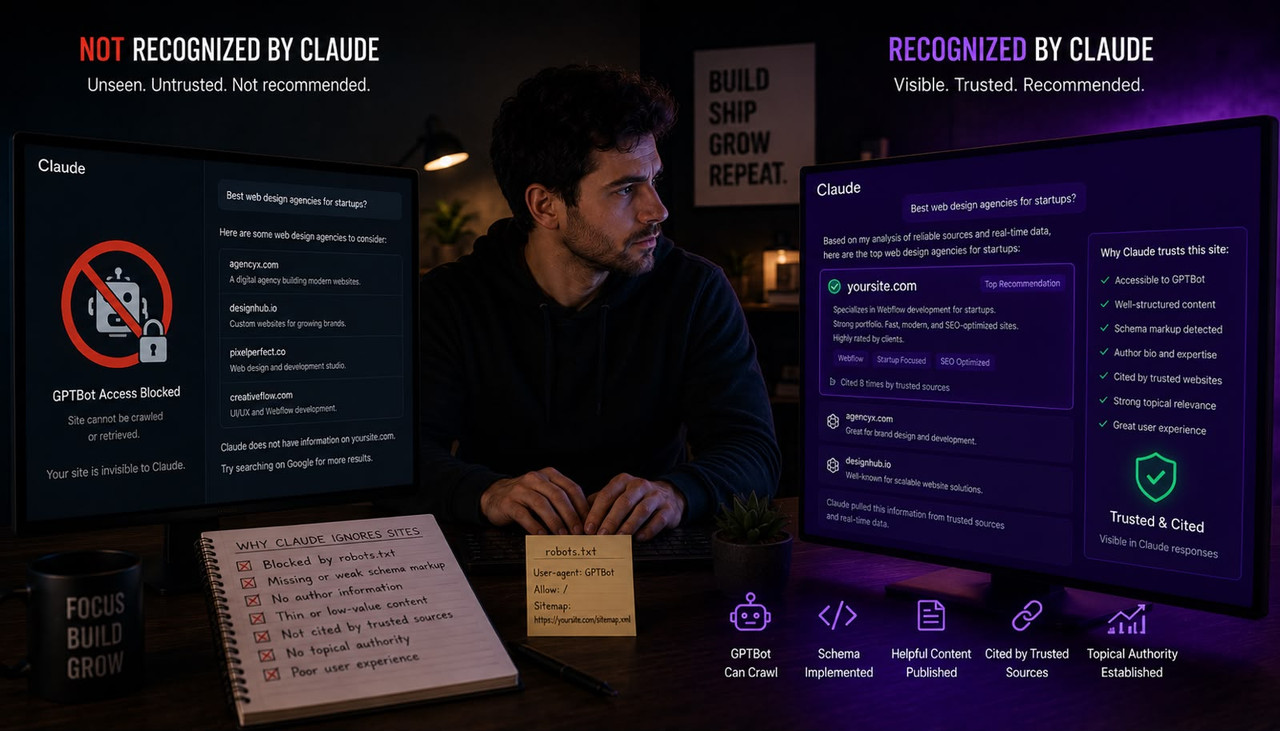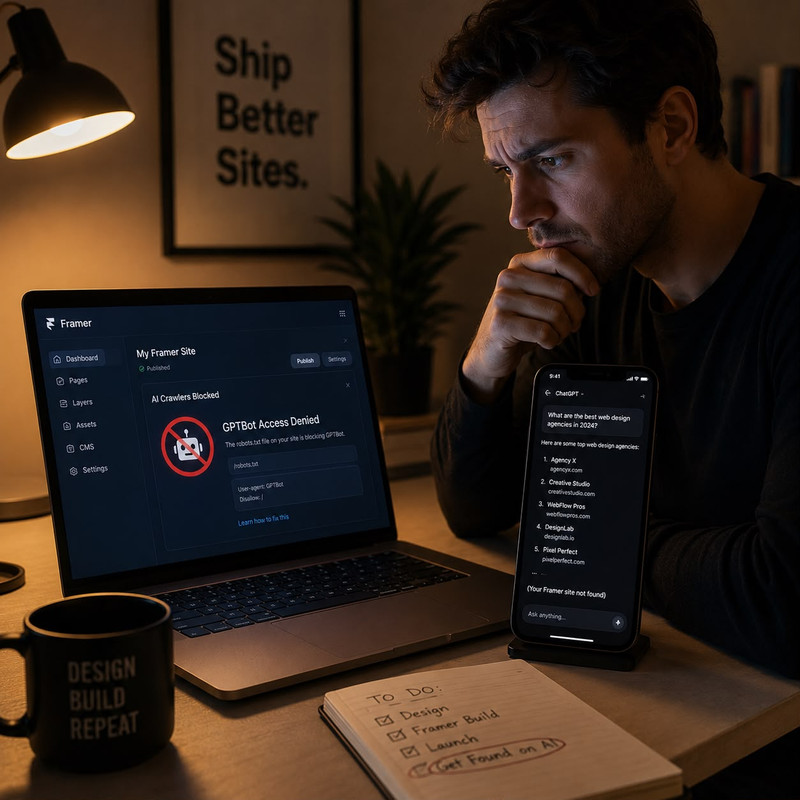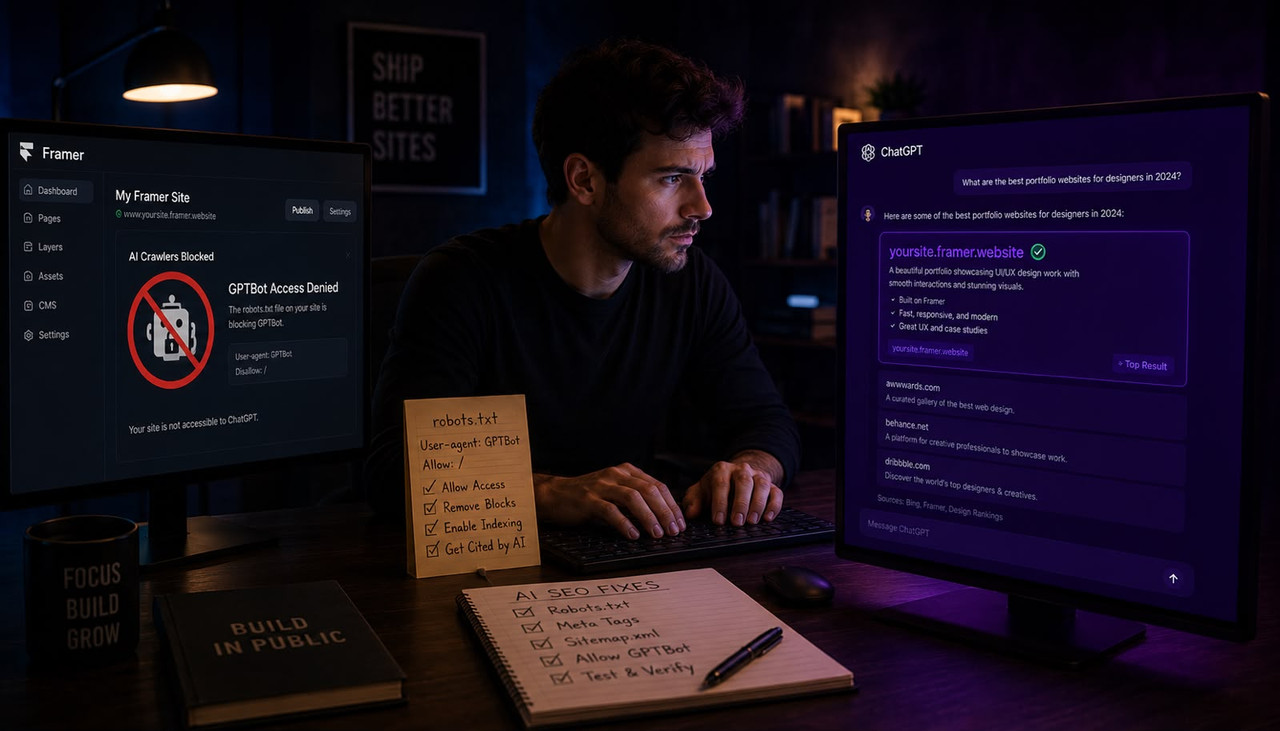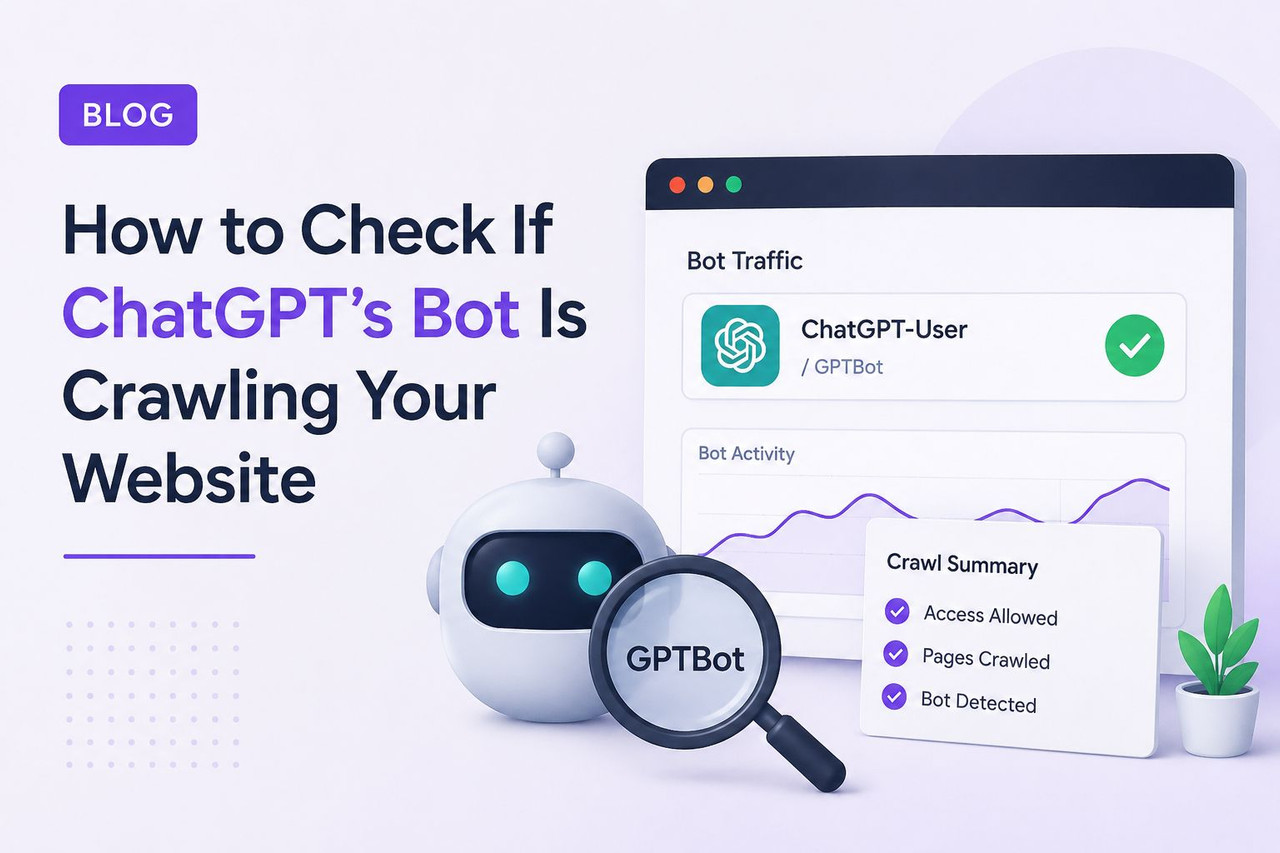
You can check if the ChatGPT bot is crawling your website in three ways: by searching your server log files for the user agents GPTBot, OAI-SearchBot, and ChatGPT-User; by pasting your URL into a free AI crawlability checker tool; or by reviewing your robots.txt file to confirm you have not accidentally blocked the bots that control your search visibility in ChatGPT. Most website owners who do this check discover the same problem — they blocked GPTBot to protect their training data and assumed that was enough, without realizing that OAI-SearchBot is the completely separate bot that controls whether their site appears in ChatGPT search answers. Blocking one has zero effect on the other.
Key Takeaways
- OpenAI operates three separate bots — GPTBot, OAI-SearchBot, and ChatGPT-User — and each does a completely different job. Blocking GPTBot stops training data collection. Blocking OAI-SearchBot removes your site from ChatGPT search answers entirely. Blocking ChatGPT-User stops real-time page fetching when a user explicitly asks ChatGPT to visit your page.
- According to Mersel AI's March 2026 analysis, approximately 27% of B2B SaaS and ecommerce websites are accidentally blocking major AI crawlers due to CDN-level firewall rules — often without knowing it. These sites are invisible in ChatGPT search results through no deliberate choice.
- According to the same Mersel AI research, 69% of AI crawlers cannot execute JavaScript. If your site relies on client-side rendering — React, Next.js, Vue, or any JavaScript-heavy framework — AI bots likely see a blank page regardless of what your robots.txt file says.
- According to Botify's analysis of 7 billion log files covering November 2024 through March 2026, OpenAI tripled its crawl of the web following the GPT-5 launch — making the question of whether your site is crawlable more consequential today than at any previous point.
- The ChatGPT-User bot — triggered when a real user asks ChatGPT to fetch your specific page — is the highest-value signal of all three. Its presence in your log files means a real person actively directed ChatGPT to read your content, which is the strongest possible indicator of AI search visibility.
The Three ChatGPT Bots You Need to Know Before Checking Anything
ChatGPT does not send one bot to your website. It sends three — and treating them as a single "AI crawler" is the mistake that causes most website owners to accidentally block themselves from ChatGPT search results. Before you check your log files or robots.txt, you need to understand what each bot does, because the correct response to finding each one is completely different.
GPTBot is OpenAI's training crawler. Its job is to collect content from across the web to improve the foundational knowledge of OpenAI's language models. According to a detailed April 2026 GEO analysis of OpenAI bot behavior across real log files, GPTBot crawls sitemaps and homepages first, then moves to specific content pages — with a clear preference for topically structured, GEO-relevant content. If you block GPTBot, you stop contributing to OpenAI's training data. You do not disappear from ChatGPT search results. Those are completely separate systems.
OAI-SearchBot is OpenAI's search indexing crawler. Its job is to build the index that powers ChatGPT's real-time search feature. According to BrightEdge's April 2026 AI search guide, blocking OAI-SearchBot removes your site from ChatGPT search answers entirely. OpenAI states this explicitly in their developer documentation. This is the bot that determines whether your content gets cited when someone asks ChatGPT a question relevant to your topic. It is the highest-priority bot for any website that wants AI search visibility.
ChatGPT-User is triggered by a real user action. When someone asks ChatGPT to visit a specific page, read a URL, or interact with a web app, ChatGPT-User is the agent sent to fetch that content in real time. According to Prerender.io's crawler analysis, ChatGPT-User requests are the best signal of visibility because they represent a human actively directing ChatGPT to your content. Seeing this bot in your log files means real users are already referencing your site inside ChatGPT conversations.
Method 1: How to Check Your Server Log Files for ChatGPT Bots
Server log files are the ground truth record of every request your website receives — including every AI crawler visit. Checking them directly gives you exact data on which bots visited, which pages they accessed, how frequently they crawled, and what HTTP response codes they received. A 200 response means successful access. A 403 means blocked. A 404 means the page does not exist. Each tells a different story about your AI crawlability.
To check your log files, log into your hosting control panel — cPanel, Plesk, Kinsta, WP Engine, or your server SSH access — and locate the access logs for your domain. File names are typically access.log, access_log, or named by your domain. Download the file and open it in a text editor, then search for these three exact strings:
- GPTBot — looks like: Mozilla/5.0 AppleWebKit/537.36 (KHTML, like Gecko); compatible; GPTBot/1.2; +https://openai.com/gptbot
- OAI-SearchBot — looks like: Mozilla/5.0 AppleWebKit/537.36 (KHTML, like Gecko; compatible; OAI-SearchBot/1.0; +https://openai.com/searchbot
- ChatGPT-User — looks like: Mozilla/5.0 AppleWebKit/537.36 (KHTML, like Gecko) Chrome; compatible; ChatGPT-User/1.0; +https://openai.com/bot
Finding any of these strings means that bot has visited your site. Note which pages it accessed and what response codes it received. If you see 403 or 429 responses against OAI-SearchBot or ChatGPT-User, your site is blocking the bots responsible for your ChatGPT search visibility — and that needs to be fixed immediately. According to SearchEngineWorld's February 2026 guide to tracking OpenAI bots, validating bot identity by cross-referencing the IP address against OpenAI's published IP range JSON file gives you the most reliable confirmation that the visits are genuine OpenAI bot traffic rather than spoofed user agents.
Method 2: Use a Free AI Crawlability Checker Tool
If you do not have direct access to your server log files, or you want a faster result without reading raw log data, free AI crawlability checker tools simulate exactly how ChatGPT's bots see your pages and return an instant readable report. These tools are the fastest way to diagnose a crawlability problem and are accurate enough for the majority of website owners who are not managing server infrastructure directly.
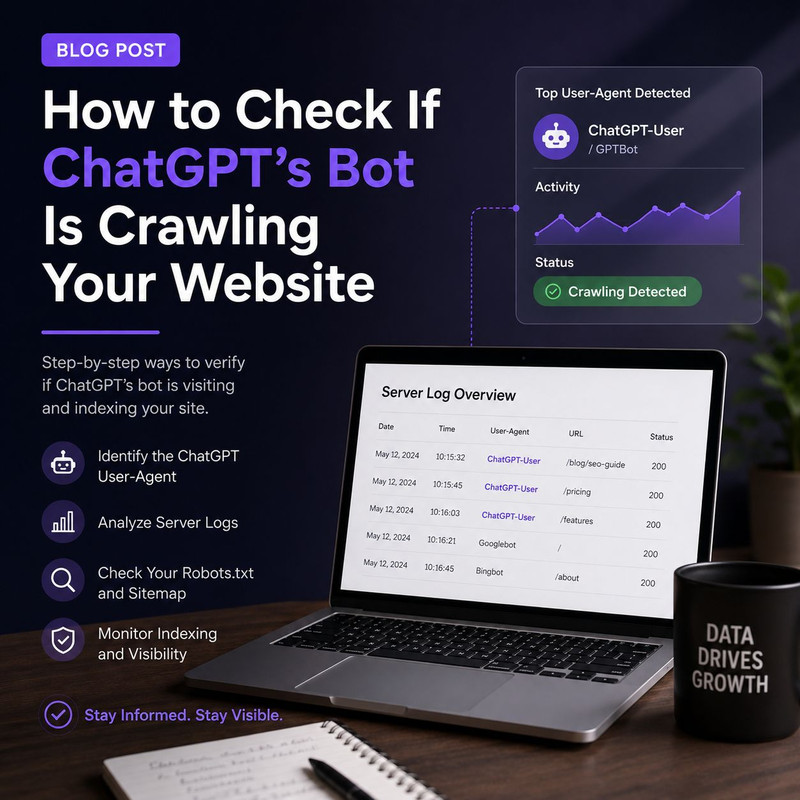
Three tools are worth using in 2026 for this specific check:
- CrawlerCheck.com — paste any URL and get an instant report on whether GPTBot, OAI-SearchBot, ClaudeBot, PerplexityBot, and Googlebot are allowed or blocked. It reads your robots.txt, meta robots tags, and X-Robots-Tag HTTP headers simultaneously and shows you exactly which user agents can and cannot access your pages.
- LLMrefs AI Crawl Checker — uses the actual GPTBot user agent to simulate how ChatGPT sees your pages. It shows you the exact text content AI crawlers can read after stripping scripts and styles, which is the most accurate indicator of whether your content is accessible to AI systems or invisible behind a JavaScript rendering layer.
- MRS Digital AI Crawler Access Checker — checks access for GPTBot, ClaudeBot, PerplexityBot, and other major AI bots simultaneously. Useful if you want a multi-platform view of your AI crawlability in one report rather than checking each bot separately.
Paste your homepage URL first, then paste your three to five most important content pages — your best blog posts, your main service pages, your pricing page. The homepage result is not always representative. A CDN rule or page-level robots meta tag can block AI access to specific content pages while leaving the homepage accessible, giving you a false sense of security about your overall AI crawlability. Understanding which types of websites ChatGPT cites most in its answers helps you prioritize which pages need to be crawlable most urgently — because not all pages carry equal citation weight.
Method 3: Audit Your robots.txt File for Accidental AI Bot Blocks
Your robots.txt file at yourdomain.com/robots.txt is the first document every crawler reads before accessing your site. A single misconfigured line can block an AI bot from your entire website — and because robots.txt is edited infrequently and rarely reviewed, many sites are running configurations that were set years ago and have never been updated to account for AI crawlers that did not exist at the time.
Navigate to yourdomain.com/robots.txt in your browser right now and look for any of these user agents in a Disallow rule:
- GPTBot
- OAI-SearchBot
- ChatGPT-User
- ChatGPT-Referral
If OAI-SearchBot or ChatGPT-User appears with a Disallow: / directive, your site is completely invisible in ChatGPT search answers. That is the line to remove if AI search visibility is a goal. You can keep GPTBot Disallow: / if you want to prevent your content from being used in OpenAI's training data — that is a completely legitimate choice and it has zero effect on your ChatGPT search citation visibility. According to No Hacks' April 2026 AI user-agent reference guide, the canonical pattern for a site that wants ChatGPT search presence without contributing to foundation model training is to disallow GPTBot and explicitly allow OAI-SearchBot — two independent directives in the same robots.txt file.
Also check your CDN settings if you use Cloudflare, Fastly, or a similar service. According to Mersel AI's March 2026 research, approximately 27% of websites are blocking AI crawlers through CDN-level firewall rules that were never intended to block AI bots — they are catching AI user agents in bot-blocking rules originally configured to stop scraping and spam traffic. Check your Cloudflare firewall rules specifically for any rule that blocks non-browser user agents at the CDN level and confirm OAI-SearchBot is not caught in those rules.
The JavaScript Rendering Problem That Blocks AI Bots Even With a Perfect robots.txt
Fixing your robots.txt file is not sufficient if your website relies on JavaScript to render content. According to Mersel AI's research citing Vercel and MERJ data, 69% of AI crawlers cannot execute JavaScript. When an AI bot visits a page built with React, Next.js, Vue, or any other client-side rendering framework where content is loaded dynamically after the initial HTML response, the bot receives a near-empty HTML shell. Your content — your blog post, your service descriptions, your FAQ section — is invisible to it regardless of what your robots.txt permits.
The solution is server-side rendering or prerendering. Server-side rendering means your server sends fully rendered HTML to every visitor including bots, so the content is present in the initial response without waiting for JavaScript to execute. Prerendering is an alternative approach where a service like Prerender.io generates a static HTML version of each page that is served specifically to bots, while human visitors receive the normal JavaScript-rendered experience. According to Prerender.io's crawler analysis, AI crawlers also have tight timeout windows — pages that load slowly cause bots to abandon the request entirely even when the content eventually renders. Page speed is an AI crawlability factor, not just a user experience one.
To test whether your site has a JavaScript rendering problem, use the LLMrefs AI Crawl Checker tool mentioned above and examine the "content accessibility" section of the report. It shows you exactly what text the AI crawler extracted from your page after removing scripts and styles. If your most important content is missing from that extracted text, you have a rendering problem that no amount of robots.txt optimization will fix.
What to Do After Confirming ChatGPT Is Crawling Your Site
Confirming that OAI-SearchBot can access your site solves the access problem — it does not solve the citation problem. A crawlable site gets indexed. An indexed site gets cited when its content is the best available answer to a user's query. Crawlability is the floor, not the ceiling, of AI search visibility. Once you have confirmed access, the work shifts to content structure.
The pages most likely to get cited by ChatGPT share three structural characteristics: they open with a direct answer to the question in the first sentence rather than scene-setting, they use clear heading structure that AI systems can parse as discrete question-and-answer pairs, and they include FAQ sections with questions phrased exactly as users ask them in AI search engines. According to Otterly AI's January 2026 guide to AI crawler access, OpenAI crawlers may also struggle to access dynamically created content, which could result in your content being invisible to OpenAI even when server rendering is technically configured — making static HTML the safest format for AI-critical pages.
Adding an llms.txt file at yourdomain.com/llms.txt is a good-practice signal worth implementing once crawlability is confirmed. It is a markdown file that provides AI agents with a curated map of your most important content — effectively a prioritized sitemap for AI systems. According to BrightEdge's April 2026 guide, it is most useful for sites with structured product information, developer documentation, or clear content hierarchies, but it functions as a positive crawlability signal for any content-focused site. For businesses that want their content strategy connected directly to what AI systems are actually reading and citing on their site, understanding what makes a website trustworthy to ChatGPT covers the content signals that determine citation frequency after the crawlability problem is solved.
Frequently Asked Questions About How to Check If ChatGPT Bot Is Crawling Your Website
How do I know if ChatGPT is crawling my website right now?
Check your server log files for the user agents GPTBot, OAI-SearchBot, and ChatGPT-User. If any of these strings appear in your access logs with a 200 response code, that bot has successfully crawled your site. If they appear with 403 or 429 response codes, they are being blocked. If they do not appear at all, the bot has not visited your site recently or is being blocked before it reaches your server — which is the CDN-level blocking scenario that affects approximately 27% of websites according to Mersel AI's 2026 research. Use a free tool like CrawlerCheck.com if you cannot access your raw server logs directly.
What is the difference between GPTBot and OAI-SearchBot?
GPTBot is OpenAI's training crawler — it collects content to improve the foundational knowledge of OpenAI's AI models. OAI-SearchBot is OpenAI's search indexing crawler — it builds the index that powers ChatGPT's real-time search results. Blocking GPTBot stops your content from being used in AI training data. Blocking OAI-SearchBot removes your site from ChatGPT search answers entirely. They are completely independent systems. You can block GPTBot while allowing OAI-SearchBot — and for most businesses that want ChatGPT search visibility without contributing training data, that is the correct robots.txt configuration.
If I blocked GPTBot, am I also blocked from ChatGPT search results?
No. Blocking GPTBot only affects whether your content is used in OpenAI's model training data. It has zero effect on whether your site appears in ChatGPT search answers. OAI-SearchBot is the separate bot that controls ChatGPT search visibility. If your robots.txt blocks GPTBot but allows OAI-SearchBot, your site is fully eligible to appear in ChatGPT search citations while keeping your content out of training datasets. This is the most common configuration misunderstanding — and fixing it requires only one additional line in your robots.txt file.
What does it mean if ChatGPT-User appears in my log files?
It means a real user actively asked ChatGPT to visit your page. ChatGPT-User is triggered by explicit user-initiated actions — asking ChatGPT to read a URL, summarize a page, or interact with a web application. Its presence in your log files is the highest-value signal of all three OpenAI bots because it represents actual human engagement with your content inside ChatGPT. Pages that attract ChatGPT-User requests are being shared and referenced in real conversations, which is a strong indicator of content quality and citation relevance for AI search systems.
Why would ChatGPT bots be blocked even if my robots.txt allows them?
CDN-level firewall rules are the most common cause. Cloudflare, Fastly, and similar services often have bot-blocking rules configured to prevent scraping and spam traffic — and these rules can catch AI crawler user agents without specifically targeting them. Approximately 27% of websites are in this situation according to Mersel AI's March 2026 research. Check your CDN firewall rules for any rule that blocks non-browser user agents or unknown bots and confirm OAI-SearchBot and ChatGPT-User are explicitly allowed. JavaScript rendering is the second most common cause — if your site renders content client-side, AI bots receive an empty HTML shell regardless of what your robots.txt permits.
Does my site need to be crawled by ChatGPT bots to appear in ChatGPT answers?
Yes — for ChatGPT's real-time search feature, OAI-SearchBot must be able to crawl and index your content before it can be cited. ChatGPT's training knowledge has a cutoff date, meaning anything published after that date only appears in ChatGPT answers through its live search feature, which requires OAI-SearchBot access. For businesses publishing regular content — blog posts, new service pages, updated pricing — ensuring OAI-SearchBot can crawl your site is the prerequisite for any of that new content appearing in ChatGPT search answers.
How often do ChatGPT bots crawl websites in 2026?
According to Botify's analysis of 7 billion log files covering November 2024 through March 2026, OpenAI tripled its web crawl following the GPT-5 launch. GPTBot has relatively infrequent revisit intervals for individual pages — it does broad coverage rather than frequent recrawling. OAI-SearchBot crawls more frequently for content that shows freshness signals — recent publication dates, regular updates, and consistent sitemap submissions. ChatGPT-User visits are triggered on demand by real user actions and have no predictable frequency. Submitting an updated sitemap to OpenAI's search systems after publishing new content accelerates OAI-SearchBot's discovery of your new pages.
What is llms.txt and should I add it to my website?
llms.txt is a markdown file at yourdomain.com/llms.txt that provides AI agents with a curated map of your most important content — effectively a prioritized navigation guide for AI crawlers rather than human visitors. It was proposed in September 2024 and has gained adoption as a good-practice signal for sites wanting to improve AI discoverability. According to BrightEdge's April 2026 guide, it is most useful for sites with developer documentation, APIs, or structured product information. For content-focused marketing sites, it functions as a positive crawlability signal and is worth implementing after the core crawlability problems — robots.txt configuration and JavaScript rendering — are already resolved.
The check itself takes under 10 minutes: paste your URL into CrawlerCheck.com, search your log files for OAI-SearchBot and ChatGPT-User, and open yourdomain.com/robots.txt to confirm those two bots are not in a Disallow rule. If they are blocked, removing that directive and clearing CDN firewall rules is the fix. If they are allowed but your content is still not appearing in ChatGPT answers, the issue is content structure rather than access — and that is solved by publishing direct, answer-first content that AI systems can extract cleanly. For businesses that want both the crawlability and the content side handled automatically, tools that generate structured AI-ready content and publish it directly to your site close both gaps without requiring a separate technical and content workflow. Understanding how to analyze what your competitors are doing to get cited by AI systems tells you exactly what content gaps to target once your site is confirmed crawlable.