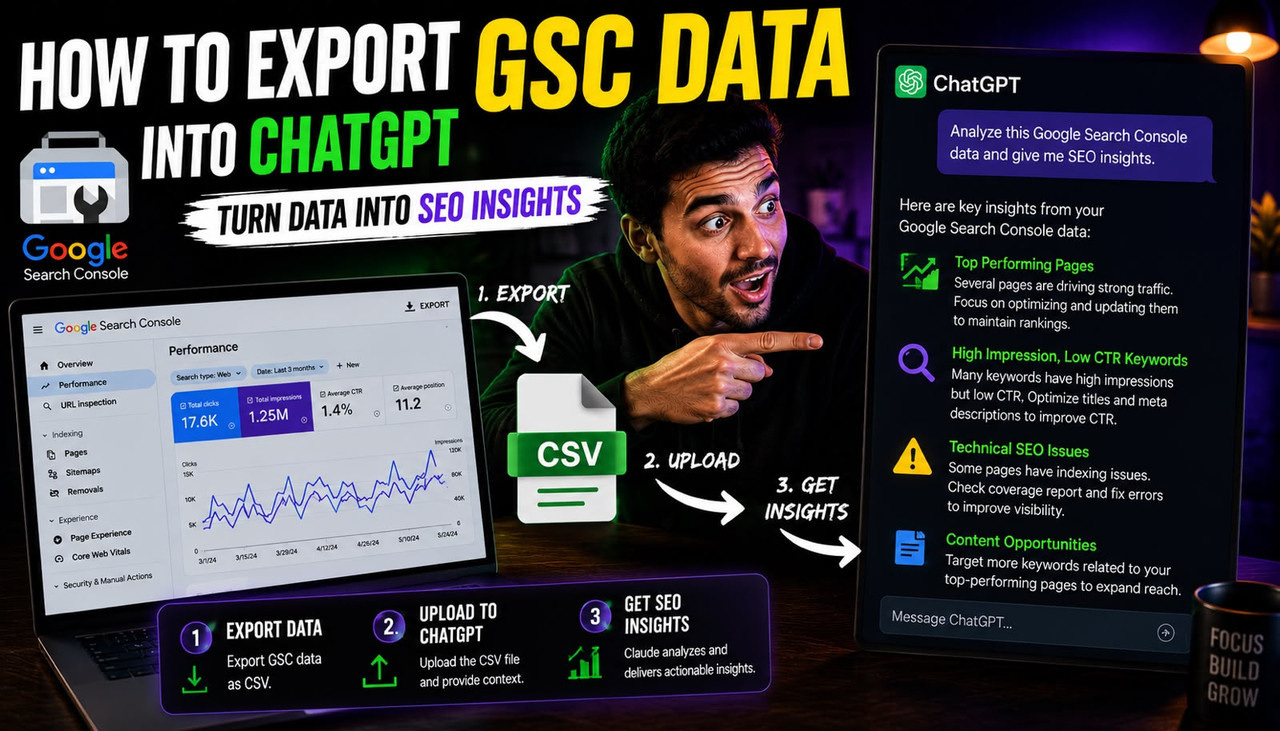
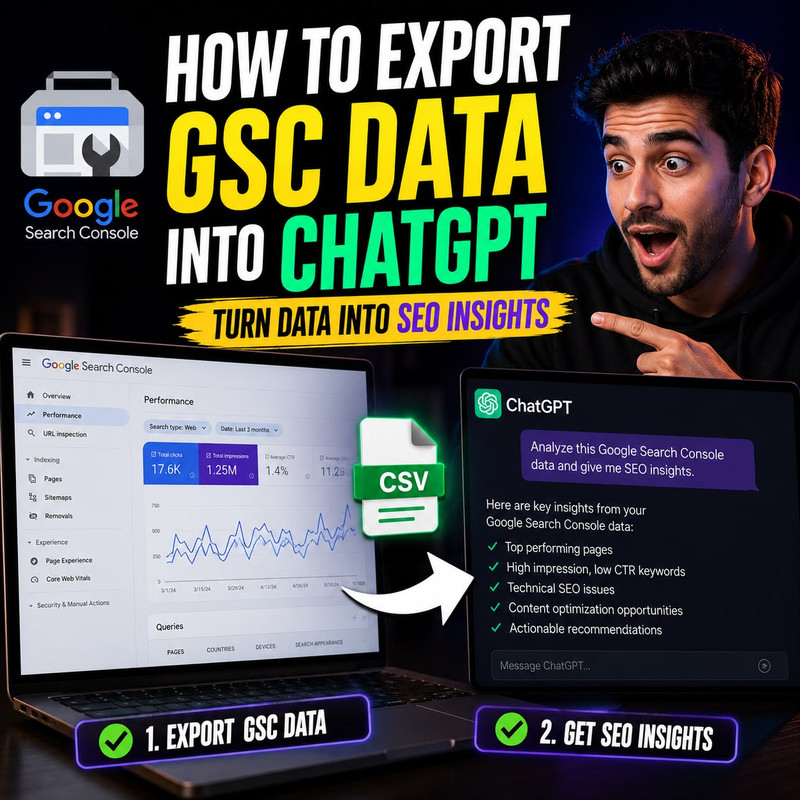
To export Google Search Console data into ChatGPT and get useful SEO answers, open your GSC Performance report, set the date range to the last 28 days, enable all four metrics (clicks, impressions, CTR, and average position), filter by queries, click the Export button in the top right, download as CSV, open the file in a plain text editor rather than Excel, copy the raw text, and paste it directly into ChatGPT with a specific diagnostic question. That manual method works for sites with under 1,000 queries. For larger sites, the native GSC interface caps exports at 1,000 rows according to Windsor.ai's February 2026 GSC connector documentation, which means the most important keyword data for a growing site is invisible in any standard export. This guide covers all three methods from manual CSV to live API connection, the token limit problem that ruins most first attempts, and the exact prompts that produce prioritized answers rather than generic observations.
Key Takeaways
- According to Windsor.ai's June 2026 GSC integration documentation, Google's native Search Console interface caps all exports at 1,000 rows. For any site with more than 1,000 indexed pages or queries, the most valuable long-tail keyword data — including striking-distance keywords at positions 11 to 20 — never appears in a standard CSV export. The Search Console API supports up to 50,000 rows per query, making it the only method that gives ChatGPT access to your full dataset.
- According to Opace Agency's Search Console ChatGPT guide, pasting a large CSV directly into ChatGPT's text input frequently hits the context token limit before ChatGPT has read the full dataset, producing incomplete or hallucinated analysis. The correct workaround is uploading the CSV as a file attachment using ChatGPT Plus's file upload feature rather than pasting raw text, which allows ChatGPT to process the full dataset without hitting the token ceiling.
- According to Supermetrics' live GSC ChatGPT integration, connecting Search Console through a native ChatGPT connector rather than manual exports allows ChatGPT to pull fresh data every time you ask a question, eliminating the stale-data problem that makes periodic CSV analysis miss recent ranking changes. Manual CSV exports are always at least 24 to 48 hours old by the time you analyze them.
- The three most valuable ChatGPT analysis prompts for GSC data are: striking-distance keywords at positions 8 to 20 with over 100 impressions and under 3% CTR (your fastest ranking wins), high-impression pages with CTR below 2% (title and meta description optimization candidates), and queries with declining impressions over the past 28 days compared to the prior period (early warning of algorithm impact or indexing issues).
- According to Ashley Bryan's May 2025 GSC ChatGPT workflow, non-technical founders who have never run an SEO audit can produce a prioritized content action list in under 20 minutes using a GSC CSV export and three specific ChatGPT prompts, without needing to understand what CTR, canonical tags, or crawl budgets mean. ChatGPT translates the raw data into plain-English actions.
- Scalemee Chat solves the single biggest limitation of the manual CSV method — having to repeat the export and upload process every time you want an update. It connects directly to your live Google Search Console data and answers SEO questions about your specific site in real time without any export, upload, or spreadsheet involved.
Method 1: The Manual CSV Export — What to Export, What to Skip, and the Token Limit Fix
The manual CSV method works for any site regardless of budget, requires no third-party tools, and produces genuinely useful analysis when done correctly. The reason most first attempts produce unhelpful results is not that the combination of GSC and ChatGPT does not work — it is that founders export the wrong report, open the CSV in Excel which reformats the data, and paste the whole thing into ChatGPT as raw text which immediately hits the token limit and cuts off the analysis mid-dataset.
The correct export sequence: go to Google Search Console, click Performance in the left sidebar, click Search Results, set the date range to the last 28 days using the date filter at the top, make sure all four metric toggles are enabled (Total Clicks, Total Impressions, Average CTR, and Average Position), click the Queries tab below the graph to see keyword-level data rather than page-level data, and then click the Export button in the top right corner and select Download CSV. Do this export twice: once filtered for Queries and once filtered for Pages. These are your two most valuable datasets and they answer different questions.
After downloading, open the CSV file in a plain text editor such as Notepad on Windows or TextEdit on Mac, not in Excel or Google Sheets. According to Opace Agency's 2023 GSC ChatGPT guide, opening the CSV in Excel before pasting it into ChatGPT reformats numbers, adds quotation marks around values, and sometimes converts position numbers to date formats, all of which cause ChatGPT to misread the data structure. The plain text editor preserves the raw comma-separated format that ChatGPT reads cleanly. If you are on ChatGPT Plus, upload the CSV file directly using the paperclip attachment button rather than pasting the text — this bypasses the token limit entirely and allows ChatGPT to analyze your full dataset without truncation. If you are on the free version, paste no more than 200 to 300 rows at a time to stay within the token ceiling.
After uploading or pasting your Queries CSV, the opening prompt that produces the most actionable output is: "This is a Google Search Console export for my website covering the last 28 days. It includes columns for query, clicks, impressions, CTR, and average position. Please identify: 1) all keywords where average position is between 8 and 20 with more than 100 impressions and CTR below 3% — these are my striking-distance opportunities. 2) All keywords with more than 500 impressions and CTR below 2% regardless of position. 3) The five keywords with the highest impressions that I am not currently converting to clicks. Sort each list by impressions descending and give me a plain-English explanation of what each list means and what I should do next." According to Ashley Bryan's GSC ChatGPT workflow, this single prompt produces a prioritized content action list in under 90 seconds from upload that would take a human SEO analyst 2 to 3 hours to produce manually from the same data.
Method 2: The Comparison Export — How to Diagnose Traffic Drops and Ranking Changes
The comparison export method is the most valuable GSC ChatGPT workflow for a founder who has noticed a traffic drop, a ranking change, or unusual impressions behavior and wants to understand specifically what changed and why. It involves exporting two time periods from the same GSC report and asking ChatGPT to identify the differences, which produces a diagnostic analysis that no standard GSC filter can generate natively.
The export sequence: in your GSC Performance report, click the date range filter and select Compare, then choose Last 28 days versus Previous period. This shows you clicks, impressions, CTR, and position for every query with a comparison column showing the change between the two periods. Export this as a CSV, upload it to ChatGPT, and use this diagnostic prompt: "This is a Google Search Console comparison export covering two 28-day periods. Each row shows a query with current and previous metrics for clicks, impressions, CTR, and average position. Please identify: 1) the 10 keywords that lost the most impressions between the two periods, 2) the 10 keywords where average position dropped more than 3 positions, 3) any pages or queries where CTR dropped significantly even though impressions stayed stable or grew — this would indicate a title or meta description problem. For each finding, explain in plain English what likely caused the change and what I should do about it."
According to Scalemee's existing Google Search Console AI analysis guide, combining GSC CSV exports with AI models including ChatGPT and Gemini allows founders to find pages within striking distance at positions 11 to 20, identify CTR gaps, and generate prioritized action lists — saving the expense of costly third-party SEO tools entirely. The comparison export method specifically surfaces ranking changes that would take an experienced SEO analyst several hours to identify manually, because finding which specific keywords moved significantly across two 28-day periods requires sorting and cross-referencing columns in a spreadsheet that most founders are not comfortable doing efficiently.
The token limit applies to comparison exports even more than to standard exports because comparison CSVs have twice as many columns. The workaround for free-plan users is to export the comparison data, open it in Google Sheets, sort by the impressions-change column descending, copy only the top 200 rows, and paste that subset into ChatGPT. This gives ChatGPT the rows most likely to contain meaningful changes without hitting the context ceiling. ChatGPT Plus users should upload the full comparison CSV as a file attachment.
Method 3: The Live API Connection — No Exports, No Row Limits, Real-Time Data
The live API connection method eliminates every limitation of the manual CSV approach: no 1,000-row cap, no stale data, no repeated export-and-upload cycles, and no token limit problems. It connects your Search Console account directly to ChatGPT through a native integration, allowing ChatGPT to pull fresh data every time you ask a question. According to Supermetrics' GSC ChatGPT connector documentation, no exports, no waiting, and no technical skills are required for the setup, and fresh data is pulled from Search Console every time you ask ChatGPT a question.
There are two main live connection options in 2026. The first is Supermetrics, which offers a native ChatGPT connector available directly in the ChatGPT GPT app store. Open ChatGPT, go to the GPT store, search for "Supermetrics," select it, and complete the one-click OAuth authorization to link your Google Search Console account. Supermetrics describes itself as the only native ChatGPT connector with 170-plus data sources, SOC 2 Type II certified, GDPR compliant, with OAuth authentication and data encrypted at rest and in transit. Once connected, you ask ChatGPT questions about your Search Console data in plain English with no export or prompt engineering required. Verify current Supermetrics pricing at supermetrics.com before subscribing.
The second option is Windsor.ai's MCP connector, which according to Windsor.ai's June 2026 documentation, supports up to 50,000 rows per query compared to the native GSC export limit of 1,000 rows. Windsor describes it as a 100% no-code integration that automatically pulls, organizes, and streams your GSC data to ChatGPT. The Windsor MCP setup involves going to onboard.windsor.ai, connecting your Search Console account, and then using the Windsor MCP integration inside ChatGPT. This is particularly useful for sites with large keyword footprints where the 1,000-row native export cap means the standard method is only showing you the top 1,000 of potentially 50,000 relevant queries.
The 7 ChatGPT Prompts That Produce Real SEO Decisions From Your GSC Data
The quality of the analysis ChatGPT produces from your Search Console data depends almost entirely on the quality of the prompt you use. Generic prompts produce generic observations. Specific diagnostic prompts with named metrics and explicit output formats produce prioritized action lists. These seven prompts cover the most valuable SEO analysis a founder can run on their own data without needing an SEO agency or dedicated analyst.
Prompt 1 — Striking distance keywords: "From this Search Console data, list all keywords where average position is between 8 and 20, impressions are over 100, and CTR is below 3%. Sort by impressions descending. For each, tell me in one sentence what I should change on the relevant page to move it to the top 5."
Prompt 2 — CTR gap analysis: "Identify all pages with more than 500 impressions and CTR below 2% regardless of position. For each, suggest a specific improved meta title and meta description that would increase clicks. Base the suggestions on what the query data tells you people are actually searching for."
Prompt 3 — Content gap finder: "Based on the query data in this export, which topics or questions are generating impressions for my site that I do not appear to have a dedicated page for? These would appear as queries where my average position is above 15 and impressions are growing. List the top 10 content gap opportunities with a suggested blog post title for each."
Prompt 4 — Keyword cannibalization check: "Look at the query data and identify any keywords where multiple different pages from my site appear to be competing for the same search term. This would show up as the same or very similar queries appearing multiple times with different average positions across different pages. List any cannibalization issues you find and tell me which page I should consolidate to."
Prompt 5 — Month over month ranking alert: "This is a comparison export showing two periods. Identify any keywords where impressions dropped more than 30% between the two periods. For each, tell me whether the drop looks like an algorithm issue, a seasonal issue, or a page-level issue, based on what you can infer from the data pattern."
Prompt 6 — Quick win priority list: "Based on everything in this data, give me a prioritized list of the 10 actions I should take this week to improve my organic search performance. Rank them by estimated impact from highest to lowest. For each action, tell me which specific page or keyword it applies to and exactly what I should change."
Prompt 7 — AI citation gap finder: "Based on the queries in this export, which search questions appear to have informational intent where someone might also ask the same question in ChatGPT or Perplexity? For those queries, tell me whether my current ranking position suggests I have a page that answers the question directly or whether I need to create one, and what the first sentence of that page should say to maximize AI citation eligibility."
According to Windsor.ai's integration documentation, ChatGPT can summarize performance of top landing pages by clicks, compare organic search performance on mobile versus desktop, find long-tail queries with more than 500 impressions but fewer than 10 clicks, and identify pages losing position rapidly — all from a single conversational session once the data is connected. The manual CSV method delivers all of this on a per-session basis. The live API method delivers it on demand at any time without any export step. For founders who want both the manual control of a CSV export and the live-data advantage of an API connection combined into a single SEO assistant that already knows their site, how to get real answers from your SEO data using AI analysis covers the Scalemee Chat approach where your Search Console data is permanently connected and answerable in plain English without needing to export, upload, or prompt-engineer every session.
Why Scalemee Chat Solves the Biggest Problem With the CSV Method
The manual CSV method described in this guide works well for a weekly or monthly SEO audit. The limitation it cannot solve is that every time you want an updated answer, you have to export a new CSV, upload it again, and re-run your prompts. For a growing site where ranking positions change daily and where new keywords enter and exit the striking-distance zone every week, this manual cycle creates a two to three day lag between a ranking change happening and a founder knowing about it and acting on it. That lag is where most SEO opportunities get missed.
Scalemee Chat solves this by connecting directly to your live Google Search Console data and answering SEO questions about your specific site in real time. Instead of exporting a report and uploading it to a general-purpose AI, you ask Scalemee Chat "which of my keywords dropped in position this week" and it pulls the answer from your live Search Console data in the same conversation. You ask "what are my three fastest content wins right now" and it identifies the striking-distance keywords from your current data, not from a CSV exported three days ago. You ask "why is my competitor ranking above me for this keyword" and it pulls their real current ranking position and compares it against yours to give you a specific answer based on what is actually happening right now.
The difference between general-purpose ChatGPT with a CSV upload and Scalemee Chat is the difference between asking a consultant to analyze a one-month-old spreadsheet you printed and asking a consultant who has been watching your dashboard live all week. Both give you answers. One gives you answers about your site as it was. The other gives you answers about your site as it is. Automated SEO platforms that connect keyword research to structured content generation and direct website publishing, Scalemee being one built specifically for this AI SEO workflow, handle the full loop from live data analysis through to published optimized content without requiring you to switch tools, re-export data, or manage the gap between insight and action manually. For the complete picture of how AI connected to your real site data differs from keyword databases and generic AI advice, how to check if a long-tail keyword has real search volume before you write covers exactly why site-specific data produces better keyword decisions than industry-wide estimates, which is the same principle that makes live Search Console connection more valuable than periodic CSV exports.
Frequently Asked Questions About Exporting Google Search Console Data Into ChatGPT
How do I export Google Search Console data to analyze with ChatGPT step by step?
Open Google Search Console, click Performance then Search Results, set your date range to the last 28 days, enable all four metrics (clicks, impressions, CTR, average position), click the Queries tab, then click Export in the top right and select Download CSV. Open the downloaded file in a plain text editor (not Excel), and either copy-paste up to 300 rows into ChatGPT's text input or upload the full file as an attachment using ChatGPT Plus's paperclip button. Then ask a specific diagnostic question rather than a generic one. The most actionable first prompt is asking ChatGPT to identify all keywords where average position is between 8 and 20 with over 100 impressions and CTR below 3%, as these are your fastest ranking opportunities.
Why is ChatGPT giving me incomplete or wrong answers from my Search Console CSV?
The most common cause is hitting ChatGPT's context token limit before it has read the full dataset, which causes it to analyze only the first portion of your data and produce answers that miss the rows it never processed. The fix is to upload your CSV as a file attachment using ChatGPT Plus's file upload feature rather than pasting raw text, which bypasses the token limit. If you are on the free plan, paste no more than 200 to 300 rows at a time. The second common cause is opening the CSV in Excel before pasting it, which reformats numbers and adds characters that confuse ChatGPT's data parsing. Always open your GSC CSV in a plain text editor before pasting.
Does the free version of ChatGPT work for Google Search Console analysis or do I need ChatGPT Plus?
The free version of ChatGPT works for GSC analysis but with significant limitations. Free ChatGPT has a smaller context window, meaning it can only process a few hundred rows of CSV data before hitting the token limit and producing incomplete analysis. It also cannot accept file uploads, so all data must be pasted as text. ChatGPT Plus unlocks file uploads, a larger context window, and access to GPT-4 which produces more accurate data interpretation. For a site with under 200 queries in your GSC export, the free version handles the analysis adequately. For any site with more data, ChatGPT Plus is the practical minimum for reliable GSC analysis.
What is the 1,000 row limit in Google Search Console and how do I get around it?
Google's native Search Console interface caps all CSV and Google Sheets exports at 1,000 rows, meaning for any site with more than 1,000 indexed queries, the bulk of your long-tail keyword data never appears in a standard export. The two workarounds are: use the Google Search Console API, which supports up to 50,000 rows per query and requires technical setup or a connector tool, or use a third-party connector like Windsor.ai or Supermetrics that accesses the API on your behalf and streams the full dataset to ChatGPT without the 1,000-row restriction. For sites with large keyword footprints, the 1,000-row export cap means ChatGPT's analysis is systematically missing the long-tail queries that often represent the fastest ranking opportunities.
What are the best ChatGPT prompts to use after uploading my Search Console data?
The three prompts that produce the most actionable immediate output are: first, ask for all keywords at positions 8 to 20 with over 100 impressions and under 3% CTR sorted by impressions — these are your striking-distance wins. Second, ask for all pages with over 500 impressions and under 2% CTR regardless of position — these are title and meta description optimization candidates. Third, upload a comparison export covering two 28-day periods and ask ChatGPT to identify keywords that lost the most impressions between the two periods and explain what likely caused each drop. Each of these prompts should specify the exact column names from your export, the specific metric thresholds you want applied, and ask for a plain-English action recommendation for each finding rather than just a list of data.
Can I connect Google Search Console directly to ChatGPT without exporting a CSV?
Yes. Two tools currently offer live Search Console connections to ChatGPT without manual exports. Supermetrics offers a native ChatGPT connector available directly in the ChatGPT GPT store that requires only an OAuth authorization flow to link your Search Console account. Windsor.ai offers an MCP connector that supports up to 50,000 rows per query and is described as 100% no-code. Both allow you to ask ChatGPT questions about your Search Console data in plain English with no export, upload, or spreadsheet involved. Fresh data is pulled from Search Console every time you ask, eliminating the stale-data problem that makes periodic CSV exports miss recent ranking changes. Verify current pricing at each provider's website before subscribing.
How is using Scalemee Chat for GSC analysis different from uploading a CSV to ChatGPT?
The core difference is live versus periodic data. When you upload a CSV to ChatGPT, you are analyzing a snapshot of your data from the moment of export, which is at minimum 24 to 48 hours old. Every week you want an updated analysis, you repeat the full export-upload-prompt cycle. Scalemee Chat connects directly to your live Search Console data, meaning you can ask "which keywords dropped this week" at any time and receive an answer based on what is actually happening right now. It also connects your real competitor rankings alongside your own data, so questions like "why is this competitor ranking above me for this keyword" produce site-specific answers rather than generic SEO advice that applies to everyone equally.
Which Google Search Console report should I export first for the most useful ChatGPT analysis?
Export the Queries report first, not the Pages report. The Queries report shows you what specific search terms people are using to find your site, with clicks, impressions, CTR, and average position for each term. This data tells ChatGPT exactly what keywords your site already appears for in Google, which positions those keywords rank at, and how often people click through — which is the complete dataset needed to identify striking-distance wins, CTR gaps, and content opportunities. The Pages report is the second most valuable export and answers the question of which specific pages are and are not performing. Export and analyze Queries first, then Pages second, using separate ChatGPT sessions for each to keep the analysis focused.
The Google Search Console and ChatGPT combination produces more specific, actionable SEO analysis than most founders get from expensive third-party tools — if the export is done correctly, the token limit is handled through file upload rather than text pasting, and the prompts are specific enough to ask for prioritized actions rather than general observations. Export your Queries CSV this week, upload it to ChatGPT Plus as a file attachment, and run the striking-distance keyword prompt. The output you get in the next two minutes will tell you more about what to write next than any keyword research tool charging you $100 per month for the same data.